Loading video…
Sound

original sound - ycwc57c4g8
Clara_Fay3 · Original audio
0:00–:––
The video leverages a popular trend (AI filters) and provides a clear, step-by-step tutorial on how to replicate it using a specific app, making it highly shareable and engaging.
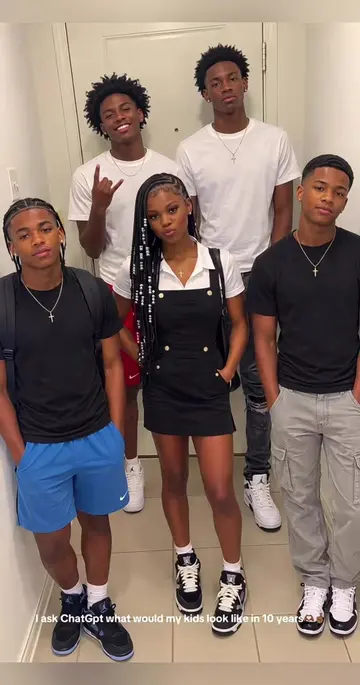
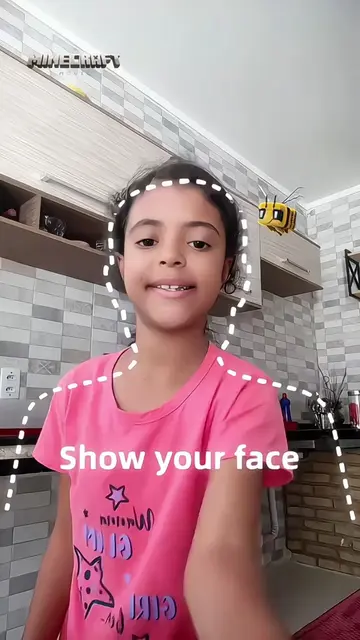
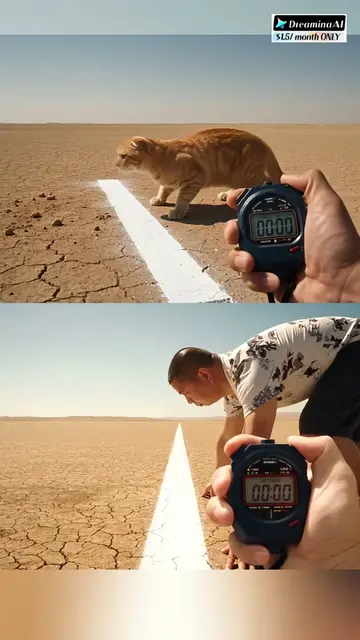
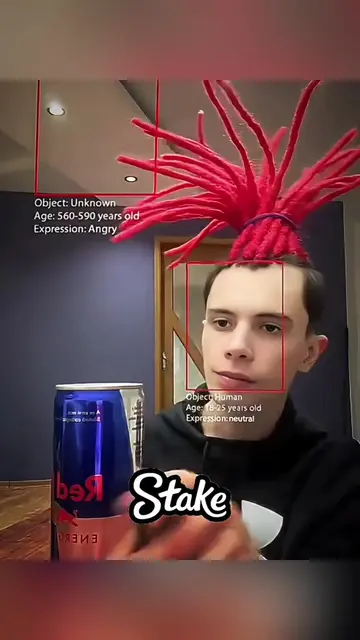
This video demonstrates how to use the CapCut app to apply a "photogenic filter" to a photo, transforming it into a stylized animation. It shows the process of finding the template, copying the link, and applying photos to create the effect.
#capcut #capcutpioneer #capcutnow Click on the CapCut icon above to generate the same style as the video. Photogenic filter 2026.The template is so fun go and try it. #slowmo #freezeframe Photogenic filter tutorial 2026.slow motion.freeze frame.freeze.still.mwisho wa kasi.frame inayoweza kushtakiwa.kushtakiwa.picha inayotegemea.ikin sauri mai laushi.hoton da ke tsayawa.isivinini esilula.धीमी गतितितिति.फ्रीज फ्रेम.ठहर जाना.Imago stagnata.Motus tardus.Imago stans. Hướng dẫn tạo video tương tự chỉ bằng một cú nhấp chuột với mẫu ở góc dưới bên trái. الحركة البطيئة.إطار متوقف.يتوقف.توقف.صورة ساكنة.
Find related content
Demonstrate the filter effect
Show how to find the template
Explain how to copy the link
Instruct on using photos with the template
Show the final result
CapCut: it ACTS - it is used to create a video with a filter applied. Removing it would change what happens in the video.
Click on the CapCut icon above to generate the same style as the video.
Video editing app for creators making social media videos
Views and creators: posted in the last 30 days (English videos). Videos: all time.
Promotes 1 product. Create free account to see more.
Outliers and viral hits: their videos on Overshot, all time.