Loading video…
Sound

original sound - remoteps.play
Remote PS Play · Original audio
0:00–:––
Playing this video’s own audio, so you’ll hear the creator over the sound.
The video effectively uses a popular game (GTA San Andreas) as a hook to draw viewers in, then pivots to demonstrating a utility app that enhances the mobile gaming experience. The clear call to action and demonstration of the app's functionality make it easy for viewers to understand its purpose and value.
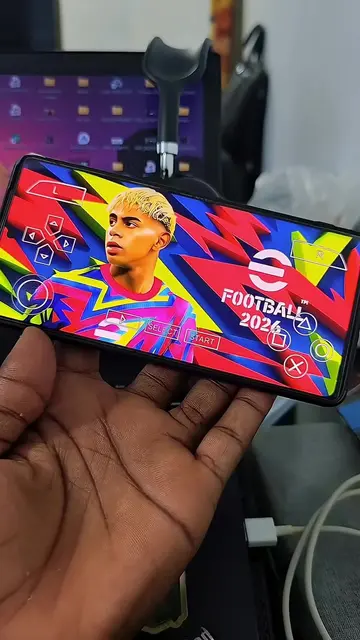
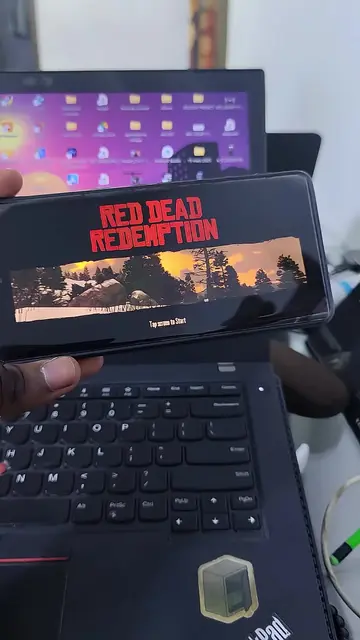
The video begins by comparing Grand Theft Auto: San Andreas on PC and mobile, then transitions to demonstrating a 'PS Remote Game Controller' app. It shows the app being searched for and installed on a device, and then shows gameplay that appears to be controlled via the app.
Remote PS: Stay Connected from Anywhere
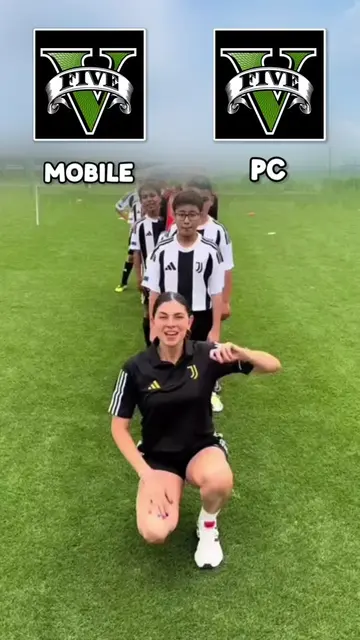
grand theft auto San Andreas PC MOBILE
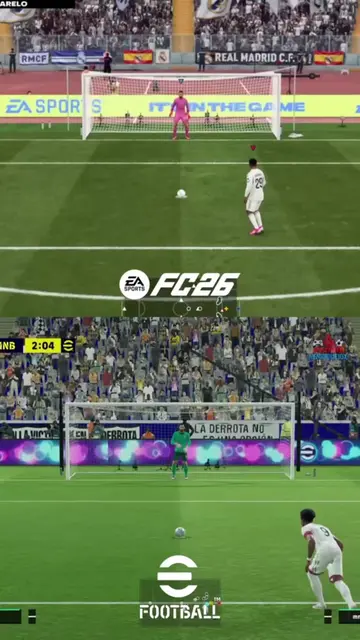
Comparison of GTA San Andreas on PC vs Mobile
Introduction of PS Remote Game Controller app
Searching and installing the app
Demonstration of gameplay using the app
Call to action to download the app
Grand Theft Auto: San Andreas (game): appears on screen as a comparison between PC and Mobile versions. Removing it would not change the video's primary message about a PS controller app. PS Remote Play Game Controller (app): is demonstrated as a tool to play games on a mobile device. Removing it would fundamentally change the video's purpose. Google Play (app store): appears as a platform to download the PS Remote Play Game Controller app. Removing it would not change the video's primary message about the controller app.
DOWNLOAD NOW
Playing this video’s own audio, so you’ll hear the creator over the sound.
Promotes 4 products. Create free account to see more.
Outliers and viral hits: their videos on Overshot, all time.
Mobile app for controlling games through PS Remote Play, for PlayStation players
All time.