Loading video…
All breakouts Locked — upgrade to Pro to open.Open on TikTokPro
No preview available · watch on TikTok below
8.2Consumer Apps
Post
Post by @computer_geeks
@computer_geeks
513.7K followers · usually 5.8K views a post
Views
47.0K
Likes
1.0K
Comments
19
Shares
291
We’re still analyzing this post.
Original caption
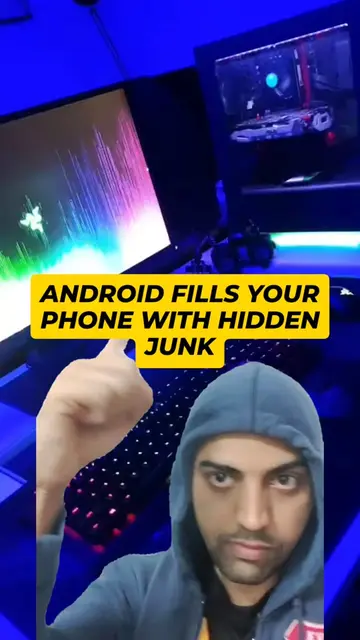
How to remove Pre Installed Apps from your phone? Your Android Phone May Be Full of Apps You Never Asked For! Many phones come with pre-installed apps that you may never use — and some can't be removed normally. But you can safely debloat your phone using ADB + Universal Android Debloater. 💻 PC Method: 1️⃣ Enable Developer Options by tapping Build Number 7 times 2️⃣ Turn ON USB Debugging 3️⃣ Connect your phone to your PC 4️⃣ Install ADB using PowerShell: winget install --id Google.PlatformTools -e 5️⃣ Download Universal Android Debloater 6️⃣ Keep the filter on Recommended 7️⃣ Select the apps you don't need and uninstall them 🔄 And if you make a mistake, you can use the Restore option for supported packages. 📱 No PC? You can also use Shizuku + Canta directly from your Android phone. ⚠️ Be careful! Don't randomly uninstall system apps. Removing the wrong package can break important phone features. Stick to the Recommended list unless you know exactly what you're removing. 🔗 Universal Android Debloater: GitHub: github.com/0x192/universal-android-debloater Follow Computer Geeks for more Android Tips & Tricks! 📱🔥 #AndroidTips #AndroidHacks #DebloatAndroid #AndroidDebloat #UniversalAndroidDebloater #ADB #AndroidTipsAndTricks #Bloatware #SamsungTips #SmartphoneTips #TechTips #AndroidApps #DeveloperOptions #Shizuku #Canta #ComputerGeeks
More from @computer_geeks
More breakout videos from this creator.