Loading video…
Sound

original sound - kirsi626
Kirsi · Original audio
0:00–:––
Playing this video’s own audio, so you’ll hear the creator over the sound.
Hook
Posted Sep 5, 2026Video · 0:24by @kirsi626
The video provides a clear, step-by-step tutorial on how to achieve a trendy AI video effect using a free template, making it highly shareable and appealing to users looking to replicate popular content.
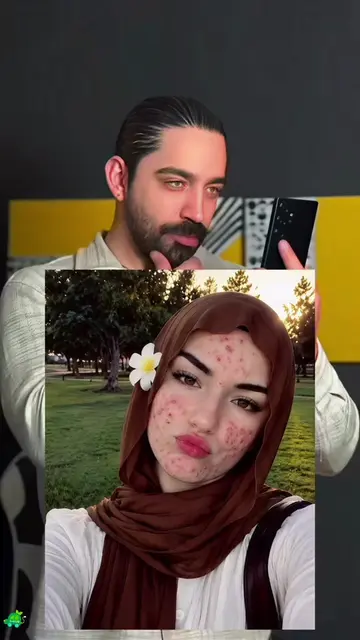
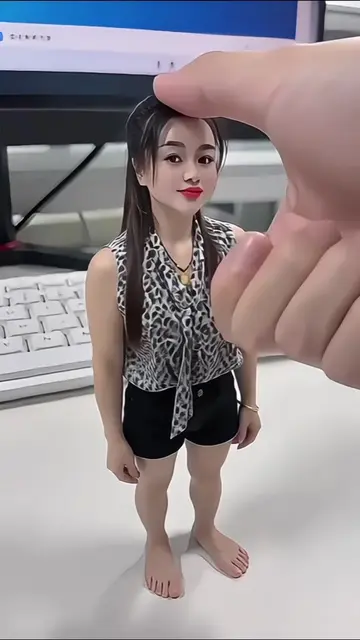
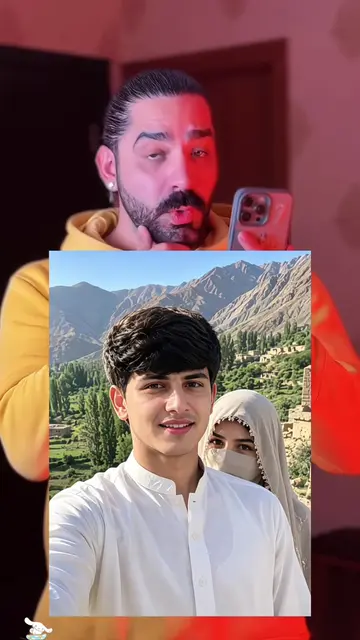
This video demonstrates how to use the Hypic app to create a specific AI video effect. It guides viewers through finding a template, copying its link, and then using their own photo to generate a similar video.
#hypic#hypiccreator#Godpic @hypic_global @hypic_vn_official @hypic_br_official @hypic_sa_globa ✨🌈Free AI video template, click the template link in the bottom left corner, upload one of your photos, and create the same video effect. مفت ٹیمپلیٹس، ایک کلک سے ویڈیو جیسی تصاویر بنائیں۔ مفت میں بنانے کے لیے نیچے بائیں کونے والا ٹیمپلیٹ لنک کلک کریں۔ قوالب مجانية، أنشئ صورًا مطابقة للفيديو بنقرة واحدة. انقر على رابط القالب في الزاوية السفلية اليسرى لإنشائها مجانًا. निःशुल्क टेम्प्लेटहरू, एक क्लि भिडियो जस्तै तस्बि बनाउन सकिन्छ। निःशुल्क रूपमा बनाउन तलको बायाँ कुनाको टेम्प्लेट लिङ्कङ्कङ्क क्लिक गर्नुहोस्। New Casual Profile Photo Ideas 🌹🥀 Professional AI Gemini / ChatGPT Stylish Profile Photo Ideas with Prompt Tutorial Hypic / Gemini / ChatGPT / Nano Banana Stylish Profile Photo Ideas with Prompt Tutorials, Prompt Tutorials AI Template Link AI Creative Editor AI Photo Editor AI Photo Filter AI Photo Effects AI Facial Photo Filter Use this AI photo filter Photo editor, AI creative photo editing tool with filters and effects AI Creative Editing AI Photo Editing AI Creative Editor AI Photo Filter AI Photo Effect AI facial photo filter Use this AI photo filter Photo Editor Tool for editing photo filter effects Google Gemini AI Prompt AI Prompt AI image generation algorithms AI photo effect editing AI Photo Prompt AI-generated AI-generated ChatGPT Gemini AI photo editing prompt Gemini AI prompt Gemini AI photo editing Gemini AI Prompt AI creative editing prompt ایک کلک سے مفت ایک جیسی تصاواری بنائیں، مفت بنانے کے لیے نیچے بائیں کونے میں Hypic پر کلک کریں۔ AI ٹیمپلیٹ لنک AI تخلیقی ایڈیٹر AI فوٹو ایڈیٹر AI فوٹو ایڈیٹنگ AI تخلیقی ترمیم گوگل جیمینی AI پرامپٹ AI پرامپٹ AI امیج جنریشن الگورتھم AI فوٹو ایفیکٹ میں ترمیم AI فوٹو فلٹر AI فوٹو ایفیکٹ AI چہرے کی فوٹو فلٹر AI فوٹو فلٹر کا استعمال کریں فوٹو ایڈیٹر ٹول ( فوٹو فلٹر ایفیکٹس میں ترمیم کے لیے ) پرمپٹ جیمینی AI فوٹو ایڈیٹنگ پرمپٹ جیمینی AI جیمینی AI فوٹو ایڈیٹنگ جیمینی AI پرامپٹ AI تخلیقی ترمیم پرامپٹ
Free AI video template, click the template link in the bottom left corner, upload one of your photos, and create the same video effect.
Introduction to creating an AI video effect
Finding and copying a video template link
Using the template with a personal photo
Generating the final video
Hypic: it is an app that allows users to create AI video effects by uploading their photos. It ACTS as a video editing and creation tool. Removing it would change what happens in the video.
Click the template link in the bottom left corner, upload one of your photos, and create the same video effect.
Playing this video’s own audio, so you’ll hear the creator over the sound.
AI photo-editing app for people creating retouched and stylized images
Views and creators: posted in the last 30 days (all languages). Videos: all time.
Promotes 2 products. Create free account to see more.
Outliers and viral hits: their videos on Overshot, all time.