Loading video…
Sound

original sound - dronarchy
DRONARCHY · Original audio
0:00–:––
Playing this video’s own audio, so you’ll hear the creator over the sound.
The video provides a practical, step-by-step tutorial for a niche but engaging use case (using a drone controller for a simulation game), which appeals to a specific audience interested in both drones and gaming.
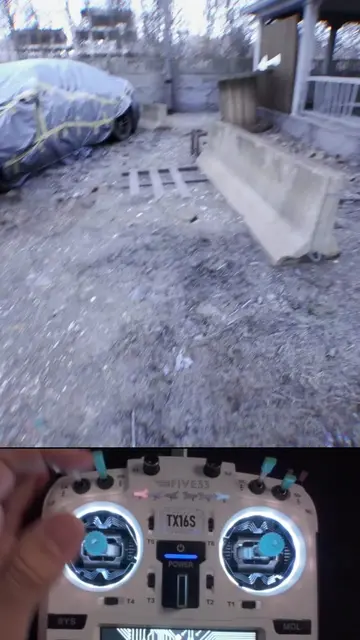
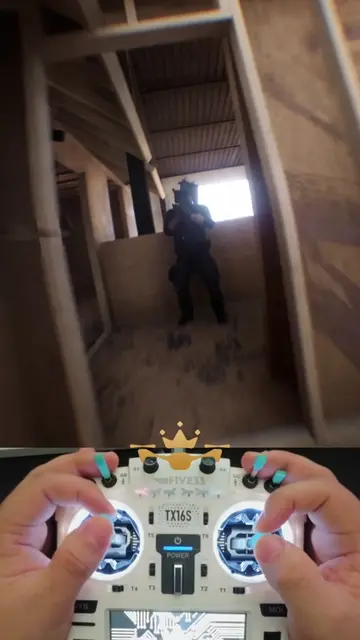
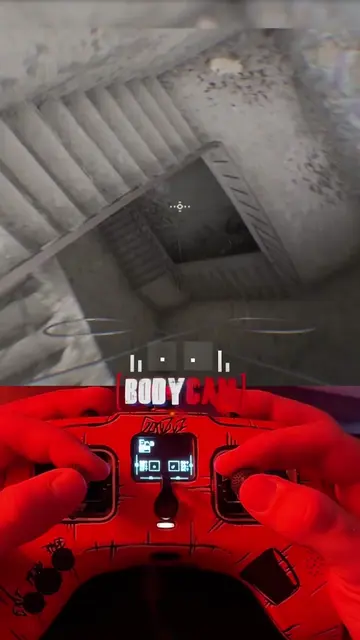
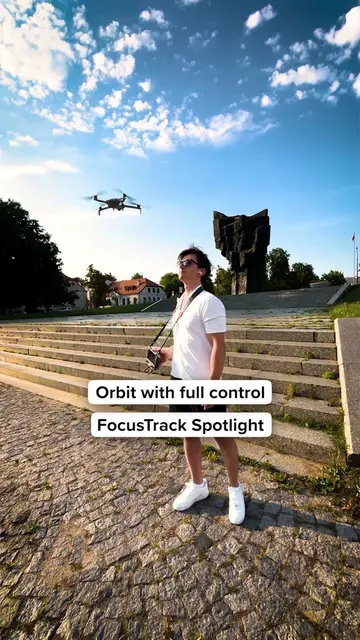
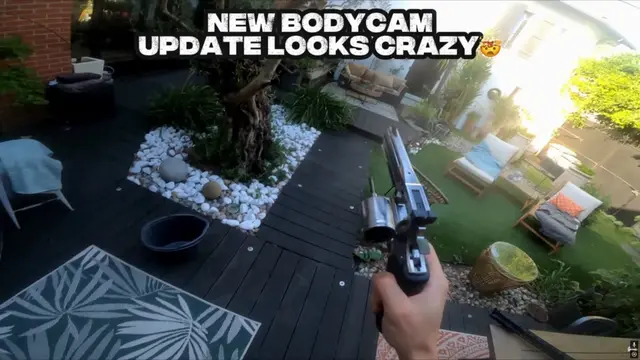
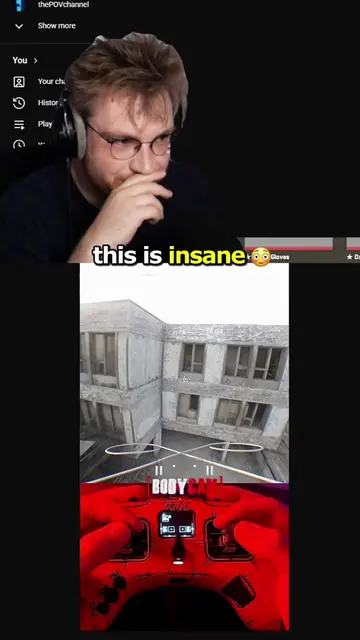
The creator demonstrates how to use a DJI remote control with a Bodycam simulation game. They explain the necessary steps, including pressing '5' on the keyboard, left-clicking the mouse, and pressing the arm button on the remote, to enable full acro mode in the game.
DJI RC3 for BodyCam FPV? Yes it's possible, and you need the x360CE app running to remap your inputs. Practice and enjoy FPV. #bodycam #fps #gaming #drone #fyp
ALRIGHT FAM, WELCOME TO DRONARCHY.
Welcome and introduction
Demonstrate DJI remote working with Bodycam
Step 1: Press '5' on keyboard
Step 2: Left-click mouse
Step 3: Press arm button
Achieve full acro mode
DJI remote control: ACTS - it is used to control a drone in a video game, enabling the user to perform actions. Removing it would change what happens in the video. Bodycam: ACTS - it is the game/simulation being played, which is controlled by the DJI remote. Removing it would change what happens in the video. x360CE app: ACTS - it is mentioned as necessary software to remap inputs for the DJI remote to work with the bodycam game. Removing it would change what happens in the video.
Playing this video’s own audio, so you’ll hear the creator over the sound.
Desktop controller-mapping software for people using game controllers with PC games
All time.
Promotes 1 product. Create free account to see more.
Outliers and viral hits: their videos on Overshot, all time.