Loading video…
All breakouts Locked — upgrade to Pro to open.Open on TikTokPro
No preview available · watch on TikTok below
1.6AI Tools
Post
Post by @printpal.io
@printpal.io
84.1K followers · usually 18.6K views a post
Views
29.2K
Likes
494
Comments
7
Shares
50
We’re still analyzing this post.
Original caption
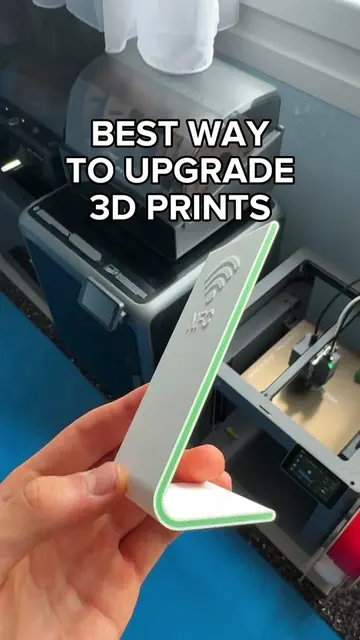
1. In your slicer, select your model, click on “Cut” in the top menu, and click “Add connectors” 2. Select the “Thread” type, place it by clicking on the model, and check Middle of geometry” to center it. 3. Adjust the size using the slider, then click “Confirm connectors” and “Perform cut” 4. Print the parts out and save this for later. Enjoy easily connected 3D prints! #3dprinting #3dprint #3d #bambulab
More from @printpal.io
More breakout videos from this creator.