Loading video…
Sound
Calm Down
Vyroota
0:00–:––
- Videos using it
- 10
- Creators
- 3
- Views on those videos
- 863.4K
The video leverages a popular trend of using specific editing templates to achieve a desired aesthetic, making it easy for users to replicate a viral look with minimal effort.
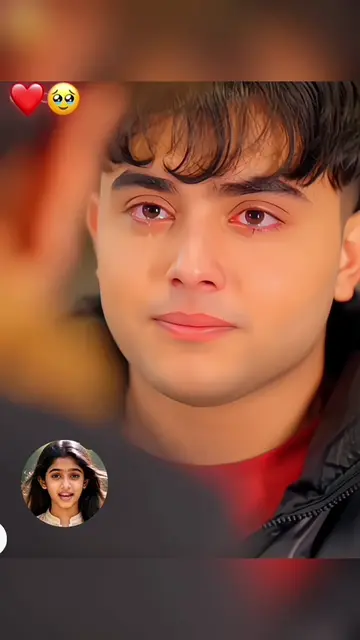
The video demonstrates how to use a CapCut template to create a black and white emotional portrait. It shows the process of selecting a template, applying it to personal photos, and then using the resulting image.
Learn how to create this viral black and white emotional close-up portrait from your own pictures, with a powerful one-eye focus, intimate body framing, soft dramatic lighting, editorial beauty styling, artistic monochrome tones and a timeless moody aesthetic. Turn your photo into a realistic, elegant and viral-ready portrait, then save this AI prompt for your next black and white portrait, emotional beauty close-up, moody face edit or CapCut AI photo template. #BlackAndWhitePortrait #AIPortrait #MoodyAesthetic #capcut #capcutpioneer
portrait capcut template
Introduction to the template
Demonstration of template application
Preview of the final result
Call to action to use the template
CapCut: ACTS - it is used to create a video template. Removing it would change what happens in the video. TikTok: APPEARS - it is the platform where the video is hosted. Removing it would not change what happens in the video.
Use template in CapCut
Promotes 1 product. Create free account to see more.
Outliers and viral hits: their videos on Overshot, all time.
Video editing app for creators making social media videos
Views and creators: posted in the last 30 days (English videos). Videos: all time.