Loading video…
Sound
Material Girl
Madonna
0:00–:––
- Videos using it
- 13
- Creators
- 9
- Views on those videos
- 2.1M
The video taps into a popular trend (80s aesthetic) and offers a simple, one-click solution using a widely accessible app (CapCut), making it easy for viewers to replicate the effect.
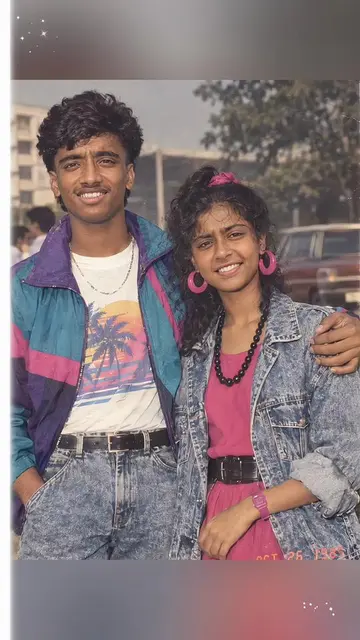
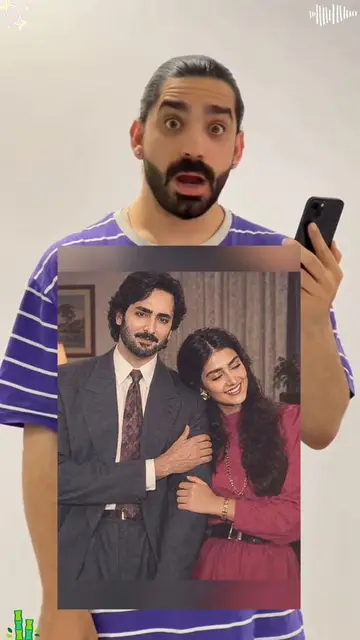
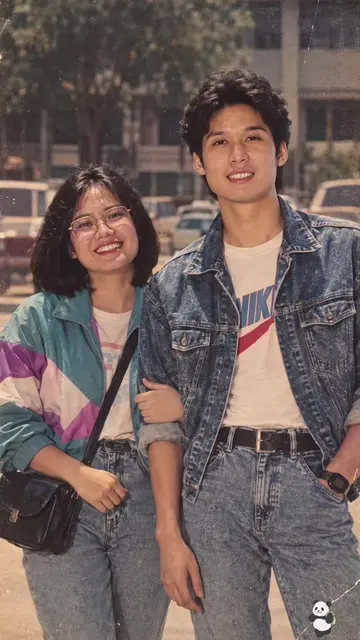
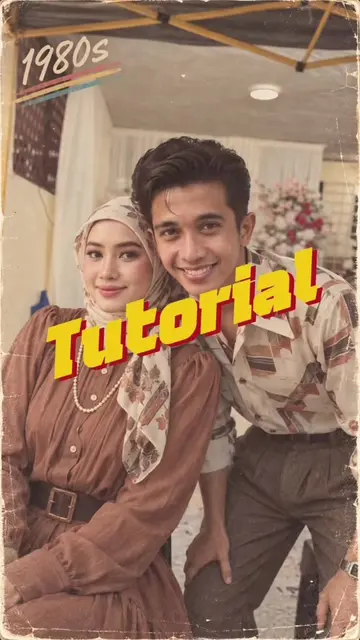
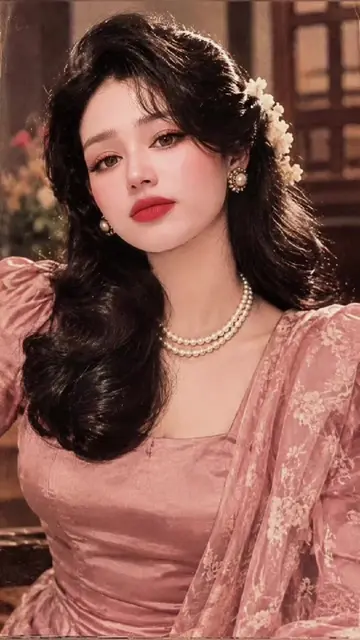
This video demonstrates how to use a CapCut template to easily create an 80s-style photo. The creator shows the process of selecting a photo and applying the template, highlighting its simplicity compared to using AI image generators like ChatGPT.
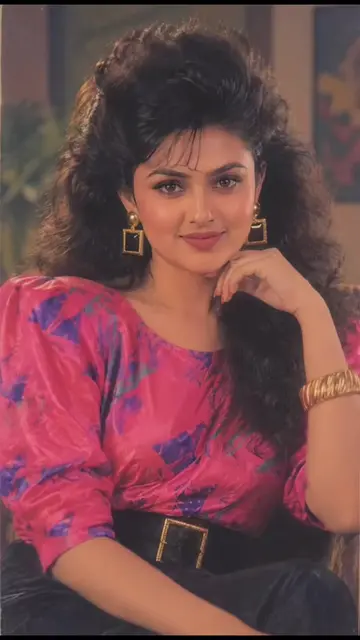
How to do the 80s trend? Stop asking ChatGPT to make an 80s-style photo with random prompts that give weird faces 😭 This template literally does the ChatGPT trend with a photo in one click — try the 80s filter on any pic and boom, instant 80s aesthetic with retro waves + film grain. Way easier than switching between ChatGPT and Gemini trying to nail the look. What would you look like in the 80s? Couples are already doing the 80s trend on Instagram together 👇#capcut #80strend #capcutpioneer #ai80s #aigenerated
Ok let's go
Introduction to the 80s trend
Demonstration of CapCut template
Comparison with ChatGPT/Gemini
Applying the template to a photo
Encouragement to try the trend
CapCut: ACTS - it is used to apply an 80s filter to a photo, creating a visible result. Removing it would change what happens in the video. ChatGPT: APPEARS - mentioned as a tool that is difficult to use for the 80s trend. Removing it would change what happens in the video. Gemini: APPEARS - mentioned as a tool that is difficult to use for the 80s trend. Removing it would change what happens in the video.
Use template in CapCut
Promotes 1 product. Create free account to see more.
Outliers and viral hits: their videos on Overshot, all time.
Video editing app for creators making social media videos
Views and creators: posted in the last 30 days (English videos). Videos: all time.