Loading video…
Sound

original sound - theowoloyiagba
Owoloyi Agba · Original audio
0:00–:––
Playing this video’s own audio, so you’ll hear the creator over the sound.
Hook
Posted Sep 12, 2026Video · 0:40by @theowoloyiagba
This video promotes it, but we haven’t matched it to a product page yet, so there are no product figures.
The video provides immediate, high-value utility by sharing a list of specific, actionable commands that solve a common problem for AI creators, making the tool feel indispensable.
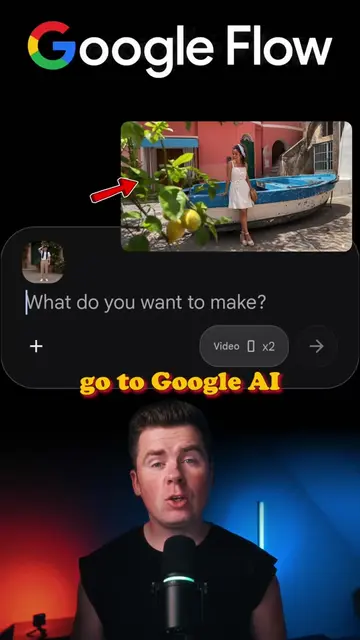
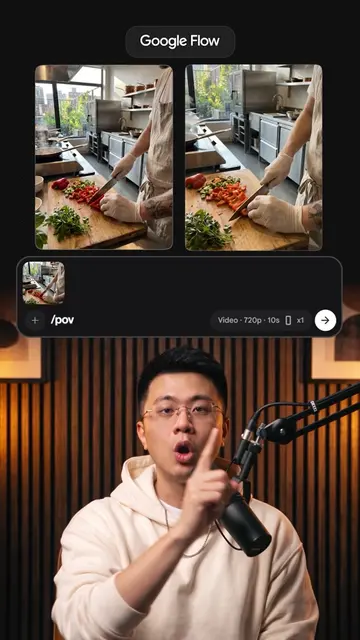
The creator demonstrates how to use specific text commands within the Google Flow AI tool to generate various cinematic camera movements from a single static image. The video serves as a tutorial and a soft promotion for the tool's capabilities.
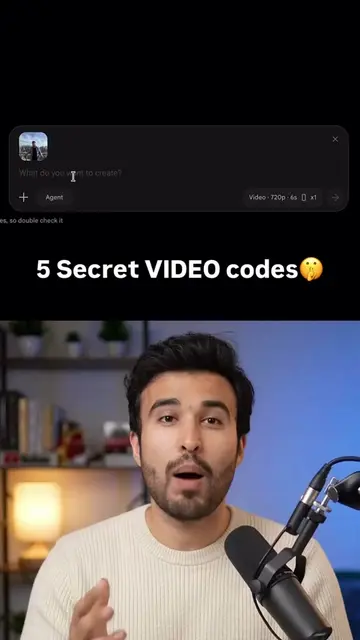
to create AI videos with camera movements and cinematic effects. These AI video prompts can help you create different camera movements in your AI videos: /orbit360 /crane /earthzoomout /dolly /timelapse /epicshot /dronefly You can use these prompts for AI product videos, AI ads, cinematic videos, and social media content. Save this if you want to learn how to create better AI videos. #ai #aicontent #aivideo #aivideos #aitools
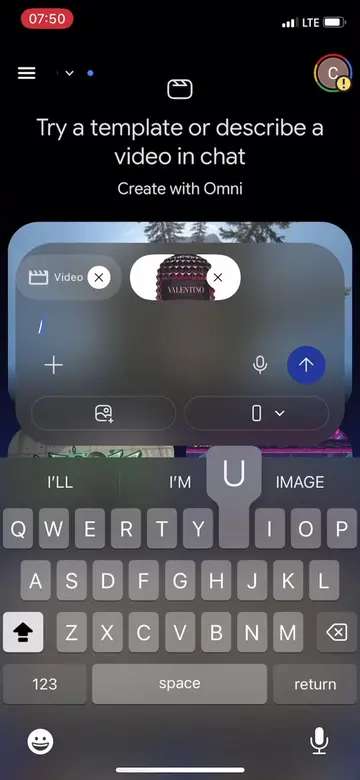
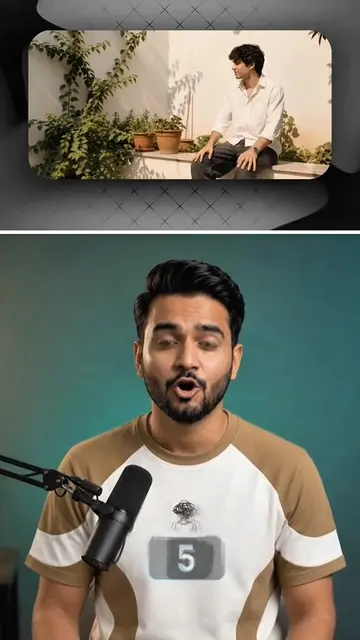
If you go to Google Flow, upload your photo and type /orbit360.
Introduction to Google Flow and the /orbit360 command
Demonstration of /crane and /earthzoomout commands
Demonstration of /dolly and /Timelapse commands
Demonstration of /epicshot and /dronefly commands
Call to action for free AI commands and engagement
Google Flow (a) ACTS: the interface is operated to input prompts and generate video effects from a static image. Removing it would change the video entirely as it is the tool being demonstrated.
Also follow me and like this video.
Playing this video’s own audio, so you’ll hear the creator over the sound.
Outliers and viral hits: their videos on Overshot, all time.