Loading video…
All breakouts
60.7Talking HeadOther hookConsumer Apps
Hook
Auto-Lock
@usmanafridi
26.9K followers · usually 8.5K views a post
Views
214.2K
Likes
3.5K
Comments
18
Shares
115
Why it worked
The video likely performed well due to its relatable content for iPhone users, showcasing common settings and accessibility features. The use of trending hashtags and a clear, concise demonstration of navigating the phone's interface would have contributed to its reach.
Summary
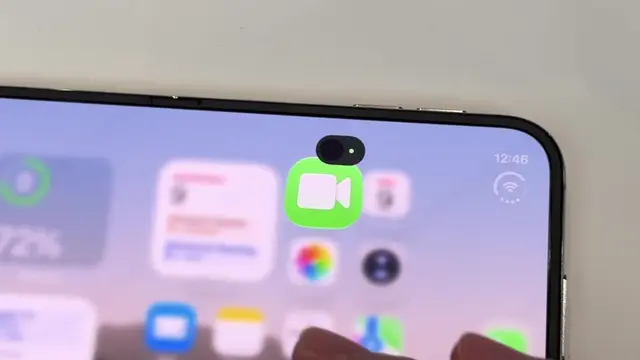
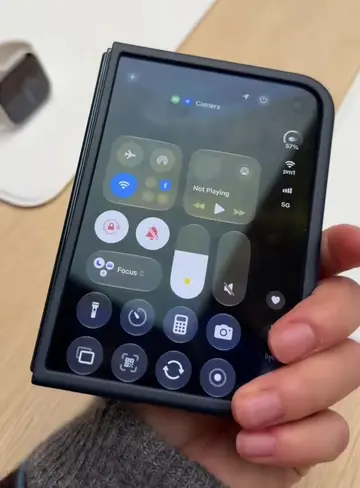
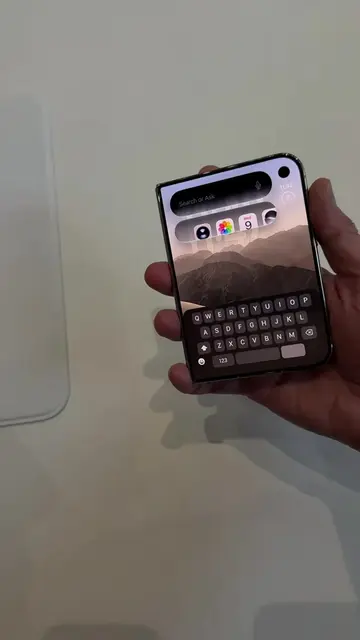
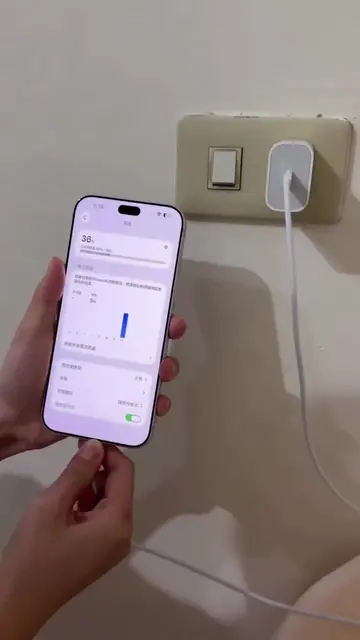
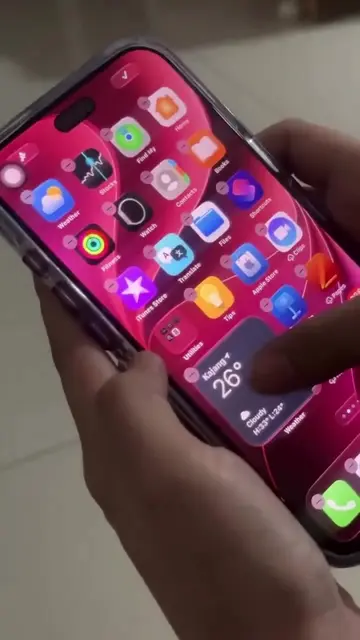
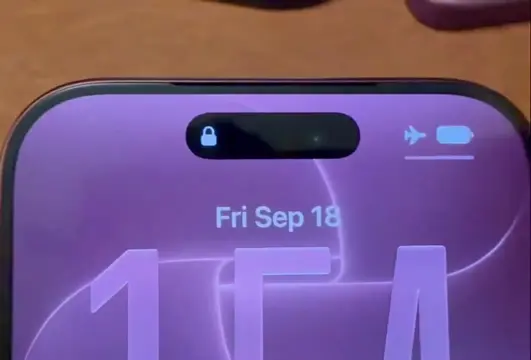
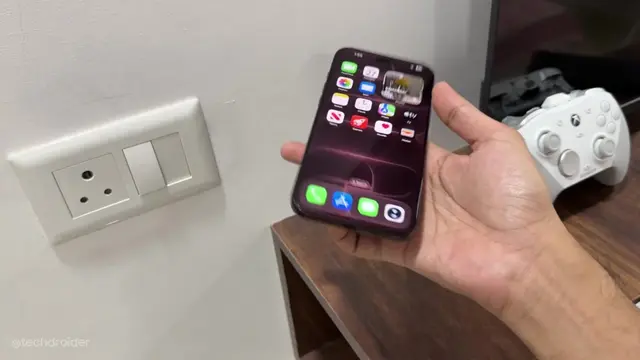
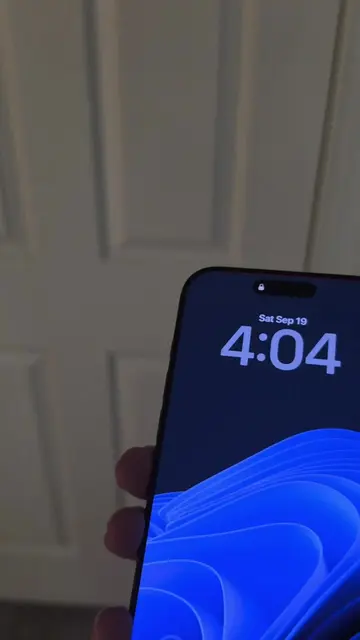
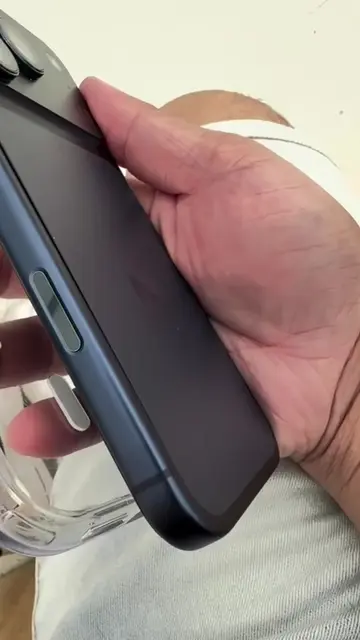
The video shows a person interacting with the settings menu on an iPhone. They navigate through options like "Raise to Wake" and "Always On Display" before tapping on "Shift Left Edge" and then "More in Accessibility Settings."
Structure
- 1Accessing iPhone settings
- 2Navigating display options
- 3Exploring accessibility settings
- 4Tapping on 'Shift Left Edge'
- 5Viewing 'More in Accessibility Settings'
On-screen text
Auto-Lock
Raise to Wake
Always On Display
Shift Left Edge
More in Accessibility Settings
Original caption
Iphone duo always display on 🤩 #iPhoneDuo #iphone #fyp #foryou #apple
More from @usmanafridi
More breakout videos from this creator.