Loading video…
Sound

Lionel Richie I Call It Love Oldschoolmusiccastle
oldskool · Original audio
0:00–:––
- Videos using it
- 8
- Creators
- 2
- Views on those videos
- 1.4M
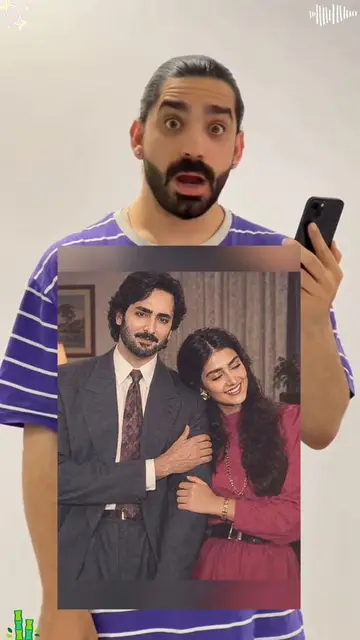
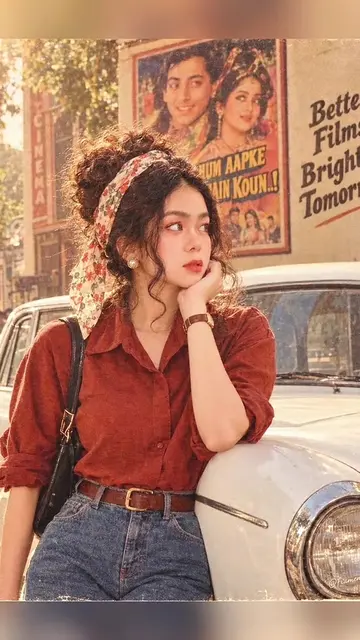
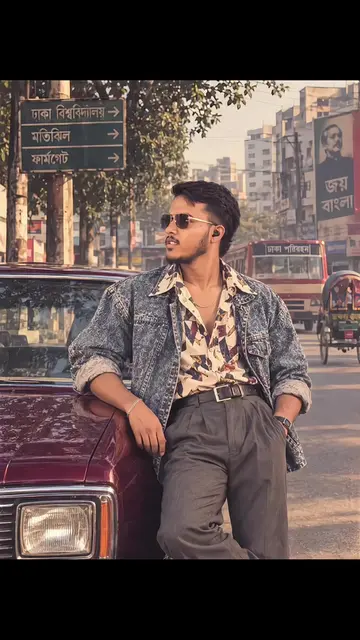
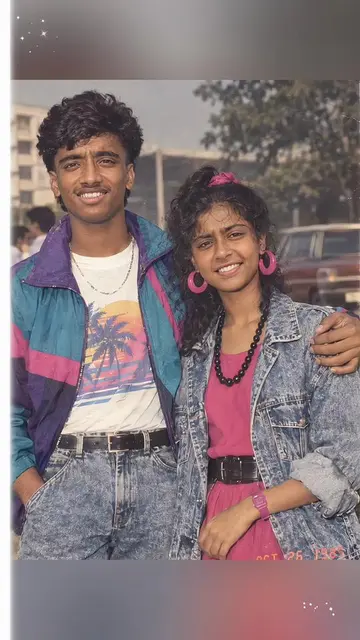
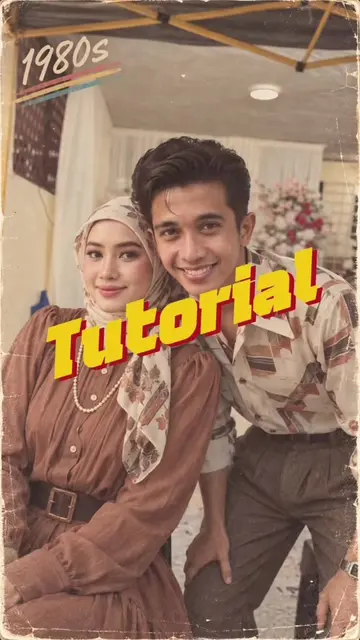
The video leverages a popular trend (80s aesthetic) and a widely used editing app (CapCut) to provide a simple, visually appealing tutorial. The "before and after" transformation is satisfying and easily replicable, encouraging user engagement.
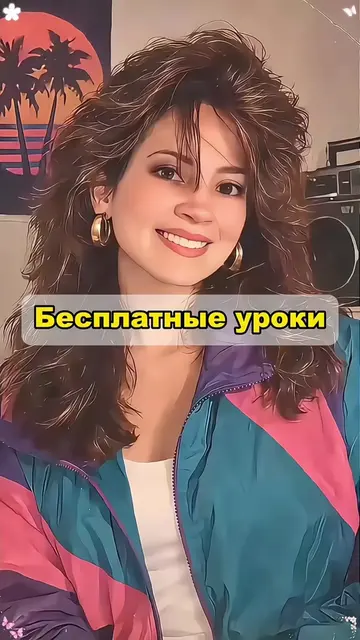
The video demonstrates how to use a CapCut template to create a 1980s-style vintage portrait. The creator shows the process of selecting a photo and applying the template to achieve the retro look.
What would you look like in stunning 1980s vintage portrait? Try this capcut template to get your retro 80s photo. Popular in west africa and all over the world. Upload your photo and generate your image. Tag your friend to try. #capcut #capcutpioneer #lagos80s #80strend #vintageportrait
Ok let's go
Introduction to the 80s portrait concept
Demonstration of the CapCut template application
Showing the final 80s-style portrait result
Encouraging viewers to use the template
CapCut: it ACTS - it is used to create a video with an 80s style portrait effect, and removing it would change what happens in the video. The video is a tutorial on how to use CapCut. The CapCut watermark appears on the video, which merely APPEARS and removing it would not change what happens in the video.
Use template in CapCut
Video editing app for creators making social media videos
Views and creators: posted in the last 30 days (English videos). Videos: all time.
Promotes 1 product. Create free account to see more.
Outliers and viral hits: their videos on Overshot, all time.