Loading video…
Sound

original sound - jvqiwlptz8732
rose · Original audio
0:00–:––
Playing this video’s own audio, so you’ll hear the creator over the sound.
The video leverages a popular trend (Minecraft filter) and provides a clear, step-by-step tutorial using a widely accessible editing app (CapCut), making it easy for viewers to replicate and share.
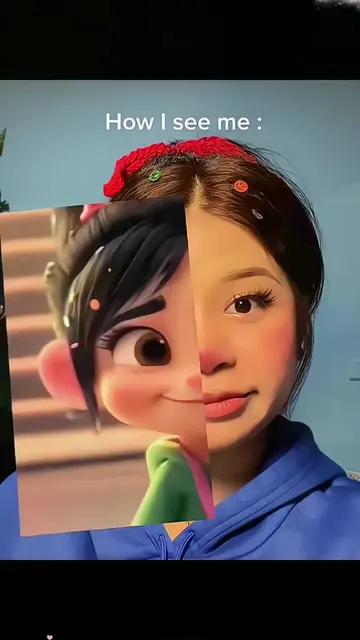
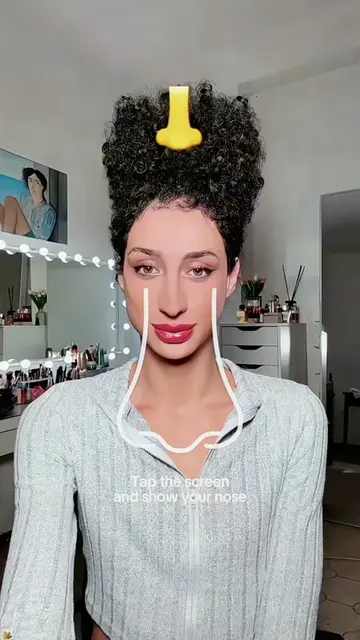
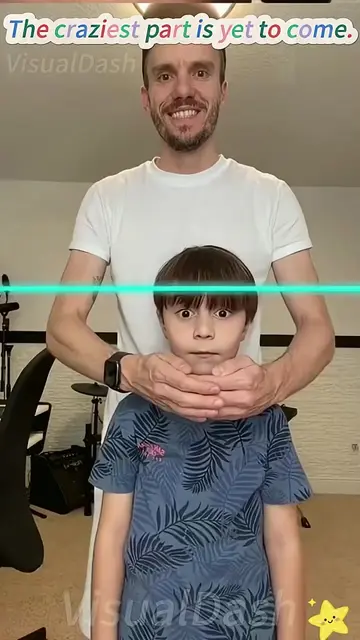
This video demonstrates how to use a Minecraft-themed filter in CapCut. It guides viewers through copying the video, finding the template, selecting photos, and applying the filter.
Minecraft filter tutorial #capcut #capcutpioneer #capcutnow
Show your face
Show face with Minecraft filter
Demonstrate filter on different people
Explain how to copy video and find template
Instruct to upload photos and use template
Show final result and prompt to try
Minecraft: appears as a filter/effect in the video, does not act. Removing it would change the video's visual theme. CapCut: acts as the editing app used to create the video, its interface is shown, and its functionality is demonstrated. Removing it would change the video's tutorial aspect. TikTok: acts as the platform where the video is posted and where the template is used. Removing it would change the video's context.
Use template in CapCut
Playing this video’s own audio, so you’ll hear the creator over the sound.
Promotes 1 product. Create free account to see more.
Outliers and viral hits: their videos on Overshot, all time.
Video editing app for creators making social media videos
Views and creators: posted in the last 30 days (English videos). Videos: all time.