Loading video…
Sound

original sound - shyo890
shyo8 · Original audio
0:00–:––
The video provides a clear, step-by-step tutorial on how to use a popular app (CapCut) to create a trendy video format (viral dance video with a single photo), making it easily replicable and shareable.
This video demonstrates how to use the CapCut app to create a viral dance video using a single photo. It guides the viewer through liking the video, picking an emoji, copying the link, and then using the CapCut template to apply their photo.
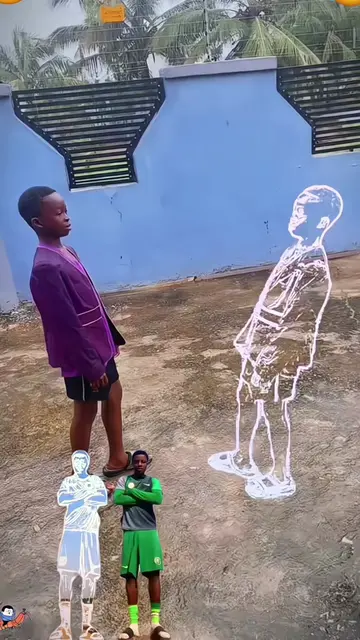
#capcut #capcutpioneer 138-With just a single photo, 🕴️🐦🔥you can create this fun dance video—perfect for posting on TikTok and joining trending challenges. Tutorial AI Idol Dance Clone 💂🏾♂️+ Expression Copy!This video is made by CapCut Video .Check out free access to this model on CapCut.Copy the video link, 😬open CapCut and paste it to make the same video with one click. #trend #fyp #SwayDanceEffect
want to make Viral fun dance
Introduce the concept of creating viral dance videos
Explain the method is simple and free
Showcase the tutorial steps on a phone
Instruct to like, pick emoji, and copy link
Guide to use the CapCut template with a photo
CapCut: This is a video editing app that is used to create the dance video. The video demonstrates how to use CapCut's template feature to create a dance video using a single photo. The app is operated and its results are visible. Removing it would change what happens in the video.
Copy the video link, open CapCut and paste it to make the same video with one click.
Video editing app for creators making social media videos
Views and creators: posted in the last 30 days (English videos). Videos: all time.
Promotes 1 product. Create free account to see more.
Outliers and viral hits: their videos on Overshot, all time.