Loading video…
All breakouts
20.6App DemoCuriosity Gap hookEducation
Hook
There's a tiny little button in Chrome that I think teachers are seriously underusing
@teachingbetweenri
2.6K followers · usually 1.2K views a post
Views
23.5K
Likes
1.2K
Comments
24
Shares
351
Why it worked
The video provides a practical and actionable solution to a common pain point for teachers: the repetitive task of searching for frequently used websites and resources. By demonstrating a simple customization within a widely used browser (Chrome) and leveraging a familiar tool (Google Sheets), the tip is easily replicable and offers immediate time-saving benefits.
Summary
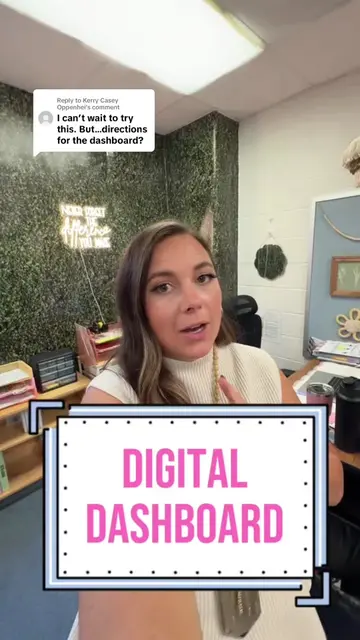
This video demonstrates how to customize the Chrome browser's home button to link directly to a personal digital dashboard created in Google Sheets. The creator explains the steps to enable the home button, paste the dashboard's URL, and then shows how clicking the home button provides quick access to frequently used resources.
Structure
- 1Introduce the overlooked Chrome feature
- 2Explain the benefit of a digital dashboard
- 3Show how to create and set up the dashboard in Google Sheets
Original caption
One click = all your favorite teacher links! 💻 ✨ Set your Chrome home button to your digital dashboard and stop searching for the same websites every day. 🏠 #chrometips #teachertips #edtech #teacherhack
More from @teachingbetweenri
More breakout videos from this creator.