Loading video…
Sound

Bluebird
Anna Graves
0:00–:––
- Videos using it
- 8
- Creators
- 5
- Views on those videos
- 565.5K
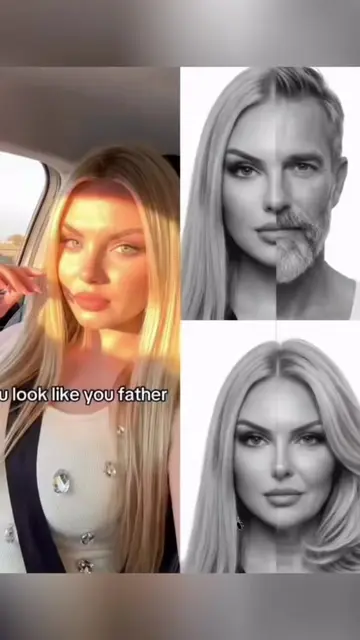
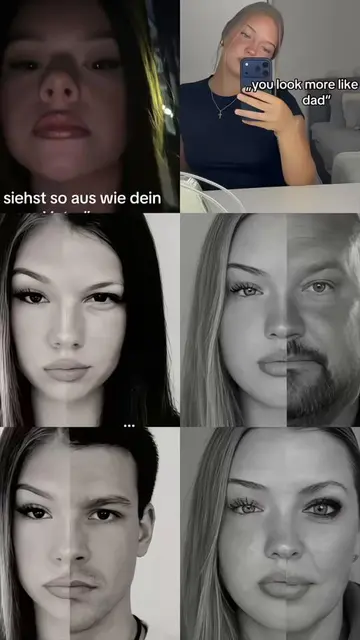
The video taps into a popular social media trend, offering a simple and free tutorial for a visually engaging effect. The use of relatable family comparisons and clear, concise instructions makes it easily replicable.
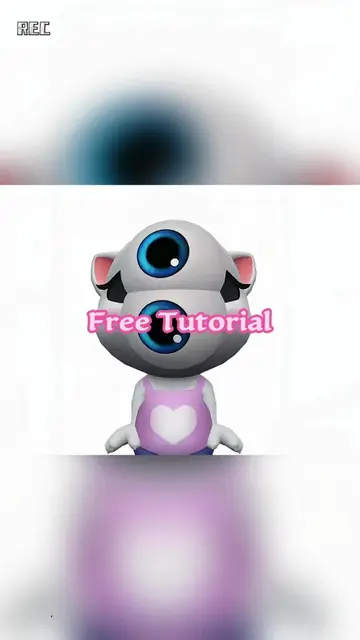
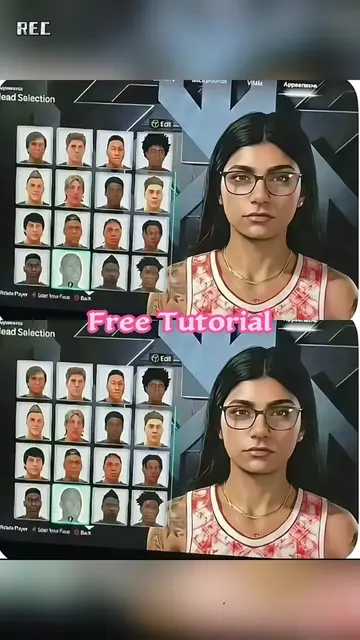
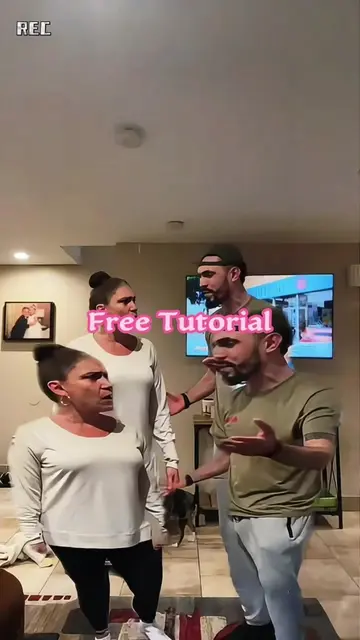
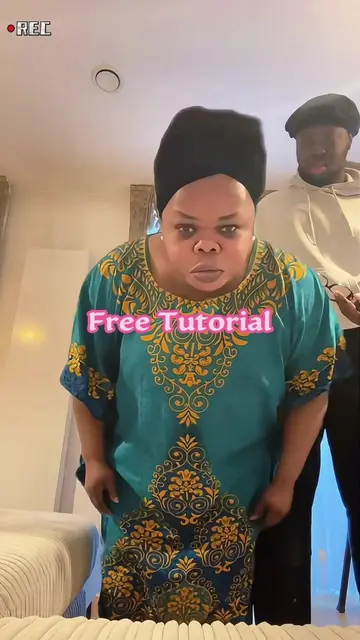
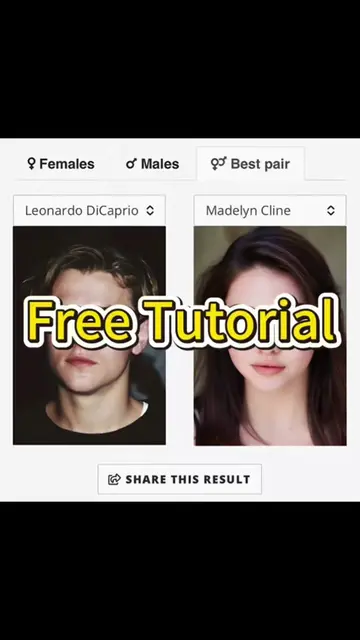
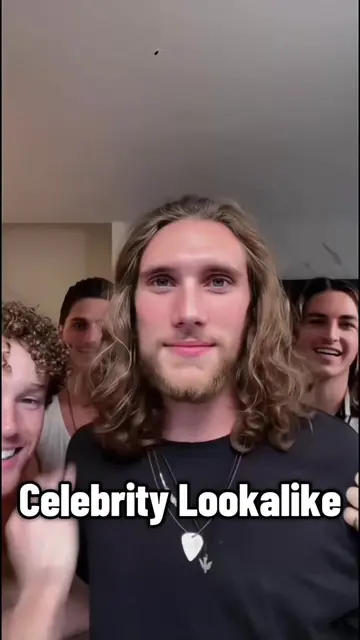
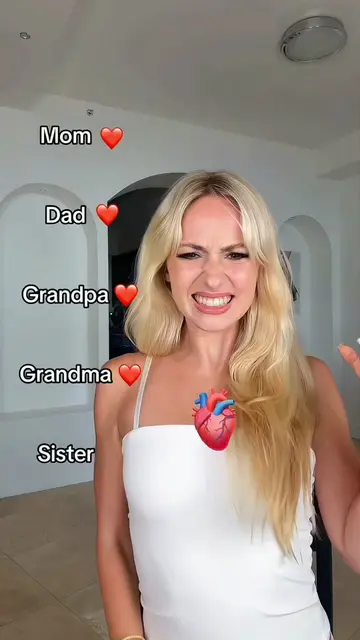
This video demonstrates how to use the CapCut app to create a viral family resemblance trend. It shows examples of merging parent and child faces and then provides a step-by-step tutorial on how to use the app's template feature to achieve the effect.
how to make the viral family resemblance trend how to do parent split‑face trend family look alike photos tutorial genetics trend with parents merge mom and dad face ai half mom half me photo edit mom and daughter lookalike photo dad and son lookalike photo family resemblance filter capcut tutorial split face portrait with parents family resemblance filter tutorial chatgpt how to find mom and dad lookalikes how to do the look alike trend how to do parent photo effect ai genetic effect tutorial with parents tutorial genetic trend photo father and mother two face filter effect split face trend with boyfriend and girlfriend #familyresemblancetrend #parentsplitface #lookalike #capcut #capcutpioneer
REC You and your dad look alike
Showcase of family resemblance effect
Explanation of the trend and its simplicity
Tutorial: Copy video link
Tutorial: Open template in CapCut
Tutorial: Select 'Use Template'
Tutorial: Choose photos and proceed
REC: appears as a watermark in the top left corner of the video. Removing it would not change what happens in the video. Carhartt: appears on a hat worn by one of the people in the video. Removing it would not change what happens in the video. CapCut: is an app used to create the video effect. Its interface is operated to generate the final result. Removing it would change what happens in the video.
Click the red button select Use Template
Promotes 1 product. Create free account to see more.
Outliers and viral hits: their videos on Overshot, all time.
Video editing app for creators making social media videos
Views and creators: posted in the last 30 days (English videos). Videos: all time.