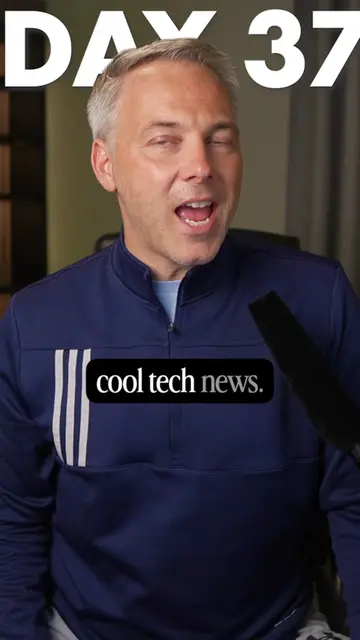
Loading video…
All videos Locked — part of Pro; create a free account to start.Open on TikTokPro
No preview available yet
Views
59.6K
Likes
1.4K
Comments
32
Shares
882
Engagement
3.9%
of views
44.1xthis account’s usual viewsOutlier
This video59.6KUsual views1.4K
The product
Not selling anything
No product promoted
We didn’t find a product being promoted in this video. Its hook, format and structure below still show why it took off.
Browse products winning on TikTokThe creator
We’re still analyzing this post.
Original caption
Parents - is your Spotify overloaded with your kids music? A new feature can fix that! It blocks any kids music from the recommendation engine so your feed remains YOUR feed. Here's how to turn it on: 1 - Navigate to your "Settings and privacy" by tapping your profile picture in the top-left corner. 2 - Select Content and display. Switch off the toggle next to Include kids and family music in taste profile. (It may take up to 48 hours for these changes to be reflected in your personalized recommendations.) #spotify #wrapped #technews #technology