Loading video…
Sound

original sound - chidsj
Decsteamboy us · Original audio
0:00–:––
Playing this video’s own audio, so you’ll hear the creator over the sound.
Hook
Posted Sep 16, 2026Video · 0:41by @chidsj
The video provides a high-quality, concise demonstration of a problem-solving tech accessory, using the hub's unique screen interface as a visual hook to maintain viewer interest.
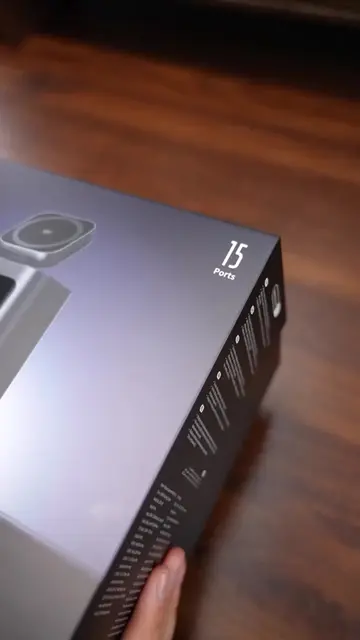
The creator demonstrates the features and connectivity of the Anker 10-in-1 USB-C hub, highlighting its built-in display and port variety. The video serves as a product showcase for a desk setup accessory.
Anker 10-in-1 USB-C hub with a smart display: laptop charging, monitor connections, and desk accessories in one place. #Anker #USBCHub #DeskSetup #LaptopAccessories #TechTok
This little Anker hub can connect a whole desk setup to your laptop through one cable.
Introduction to the Anker hub
Demonstration of power and display connectivity
Overview of USB and data ports
Explanation of the built-in screen features
Demonstration of the focus timer function
Closing recommendation
(a) Anker 10-in-1 USB-C hub: this device is the central subject of the video. The creator demonstrates its ports, connects cables, shows the screen interface, and explains its functionality (charging, monitor connection, data transfer). Removing it would remove the entire purpose of the video. (b) Apple MacBook: appears as the host device for the hub. Removing it would not change the video's purpose, as it is only used to demonstrate the hub's connectivity. (c) Apple macOS: appears on the laptop screen. Removing it would not change the video's purpose.
I'll leave the link below.
Playing this video’s own audio, so you’ll hear the creator over the sound.
Promotes 2 products. Create free account to see more.
Outliers and viral hits: their videos on Overshot, all time.
Multiport USB-C hub for connecting and charging devices at a desk
All time.