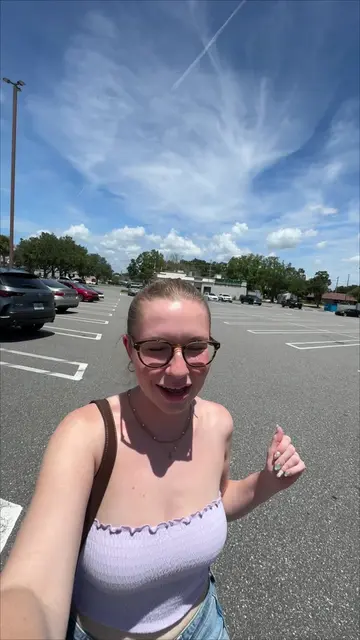
Loading video…
All breakouts Locked — upgrade to Pro to open.Open on TikTokPro
No preview available · watch on TikTok below
2.2Games
Post
Post by @timeasmiles
@timeasmiles
72.4K followers · usually 7.1K views a post
Views
15.4K
Likes
1.2K
Comments
39
Shares
12
We’re still analyzing this post.
Original caption
Some notes: ✨my other account: @mia smiles🧚♀️🌱💫 ✨on iPhone when I film or take pics in 0.5x, I press the volume down button to start and stop recording. On Samsung you can do the same but the buttons are on the other side of the phone making it harder to reach so I ended up just starting and stopping it from the screen. ✨I need to spend more time on the zoom feature, idk how the heck to use it properly without it going bananas ✨on iPhone you can click on a subject while recording and drag down to decrease the exposure. I use this ALL the time, especially at this event when trying to focus on lights and signs. On Samsung you can tap on the subject and it’ll adjust, then say it’s locked in but it isn’t. There’s a way to adjust it manually but it takes more clicks than a simple drag. I need to look into this. ✨I’m comparing this to my iPhone 15 pro max so I know it’s not a super fair comparison but the camera quality is insane on this Samsung! ✨I noticed on Pro Video Mode, the exposure is a lot more balanced on the subject & the background. Whereas on the iPhone, it tends to jut overexpose everything. (Actually when I first got the Samsung I thought everything was just dim & dark because I was so used to the overexposed outcomes from iPhone) ✨the voice isolation is pretty dang good on the Samsung. I know we put it through pretty rough conditions because this event is deafening but I think it did a really good job! #iphonetosamsung #samsungs26ultra #s26ultra #s26ultracamera #samsunggirl @Shaneck | Travel + Lifestyle
More from @timeasmiles
More breakout videos from this creator.