Loading video…
Sound

original sound - jb.demz
Jhunlord Demol · Original audio
0:00–:––
Playing this video’s own audio, so you’ll hear the creator over the sound.
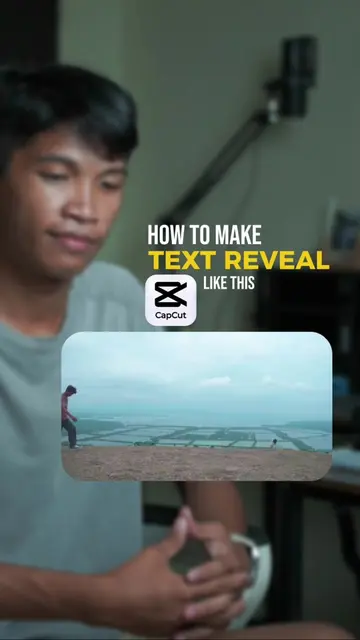
The video provides a clear, step-by-step tutorial for a visually appealing video editing effect, using a popular and accessible app (CapCut). The "follow for more" call to action encourages engagement and future viewership.
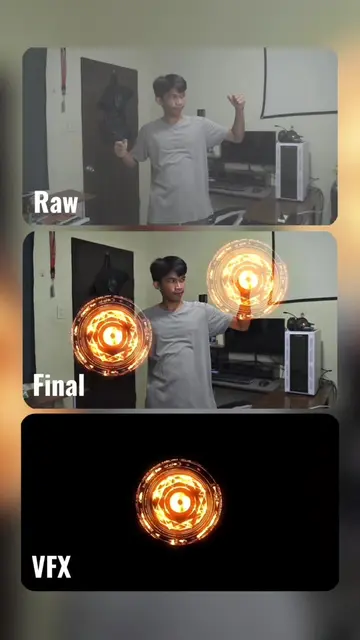
This video demonstrates how to create a "fast cut" video effect using CapCut. It involves importing landscape photos, duplicating a main video clip, and layering the landscape photos over the main clip, then removing the background of the main clip to reveal the landscape photos within the sunglasses.
#capcutedit #videoeditingtutorials #traveleditoncapcut #howtoeditoncapcut #paanomageditsacapcut
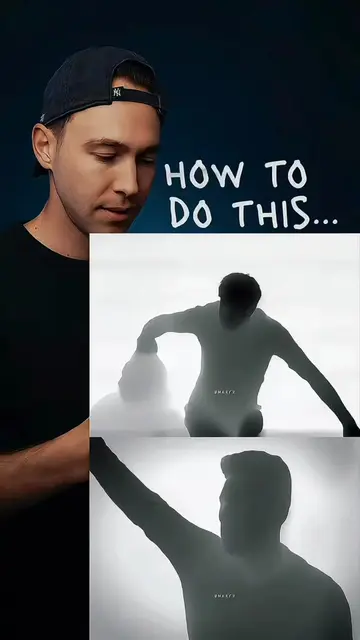
HOW TO DO THIS
Introduce the effect and the need for landscape photos.
Import and arrange landscape photos in CapCut.
Export the landscape photo sequence.
Import the main video and duplicate it.
Overlay the landscape photos and adjust size.
Remove the background of the main video to reveal the overlay.
Export the final video.
CapCut (video editing app): ACTS - its interface is operated to edit a video, and a visible result comes from it. Removing it would change what happens in the video.
Follow for more video editing tutorial
Playing this video’s own audio, so you’ll hear the creator over the sound.
Promotes 1 product. Create free account to see more.
Outliers and viral hits: their videos on Overshot, all time.
Video editing app for creators making social media videos
Views and creators: posted in the last 30 days (English videos). Videos: all time.