Loading video…
All breakouts
184App DemoWarning hookConsumer Apps
Hook
if your screen shows lines or glitches
@digi4umobileparts
26.7K followers · usually 7.9K views a post
Views
1.4M
Likes
25.9K
Comments
341
Shares
3.6K
Why it worked
The video provides a clear, step-by-step visual guide for a common and relatable problem (a damaged phone screen), making it highly practical and shareable for users facing similar issues.
Summary
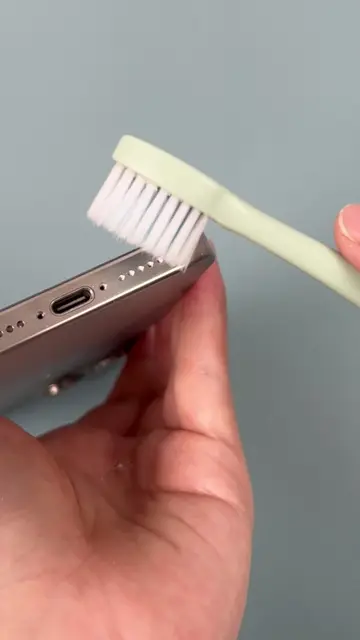
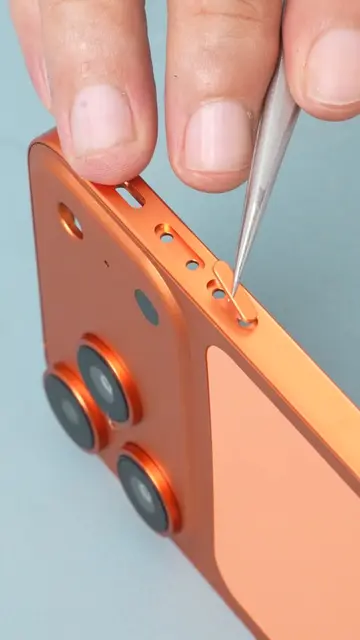
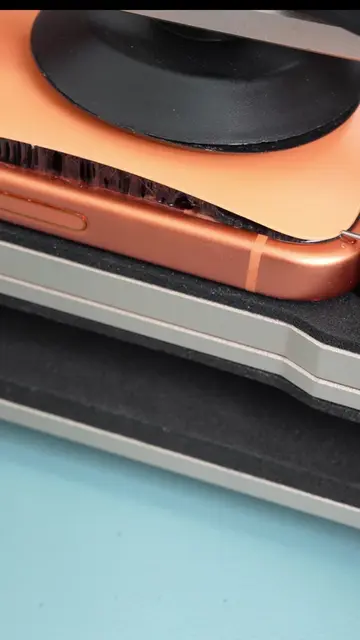
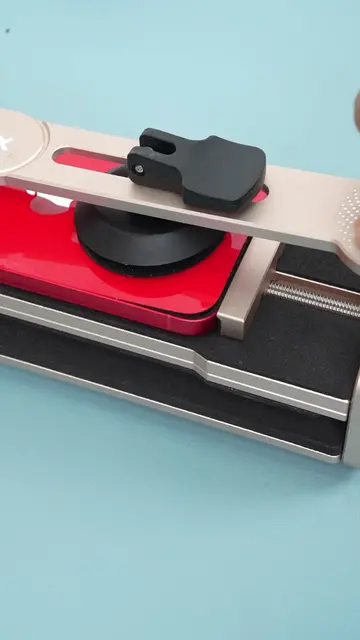
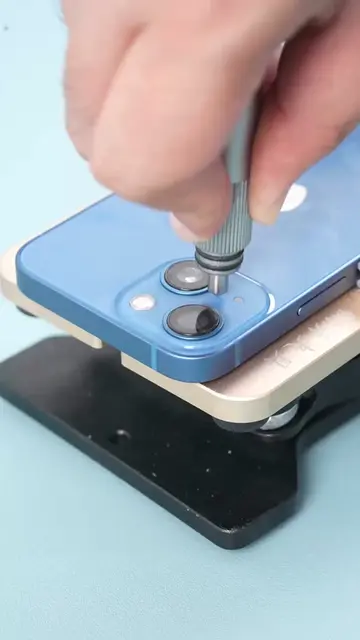
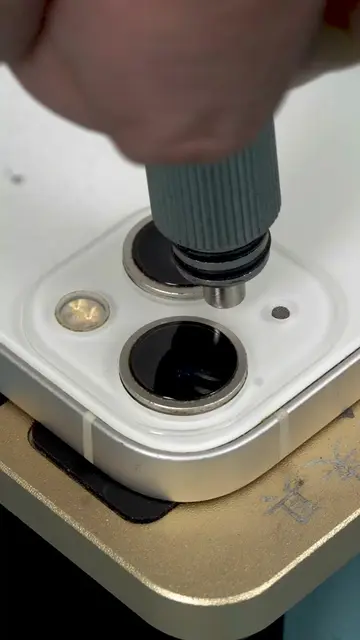
This video demonstrates how to replace a damaged screen on an iPhone 12 Pro Max. It guides viewers through heating the device, carefully prying open the screen, disconnecting internal components, transferring the earpiece and Face ID module to the new screen, and reassembling the phone.
Structure
- 1Diagnose screen damage
- 2Heat and pry open the phone
- 3Disconnect internal components
- 4Transfer earpiece and Face ID module
Original caption
iPhone 12 Pro max screen swap | No more green lines #DIYPhoneRepair #iPhoneRepair #iphone12promax #UKRepair #iphonescreen
More from @digi4umobileparts
More breakout videos from this creator.