Loading video…
Sound

original sound - kak.dela743
Никита Гурьянов · Original audio
0:00–:––
The video leverages a common user concern about unauthorized app integrations and data privacy, offering a seemingly simple solution through a hidden command and a downloadable tool, which creates a sense of urgency and helpfulness.
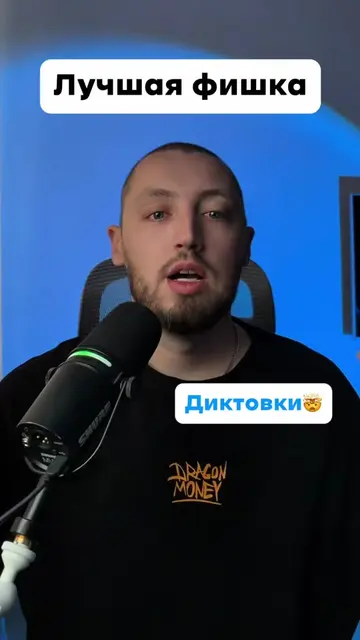
The video demonstrates how to remove an unauthorized Meta AI integration from WhatsApp by using a command to reset the AI and then directing viewers to bpboot.com to download a phone cleaning app that removes malicious files and hidden applications.
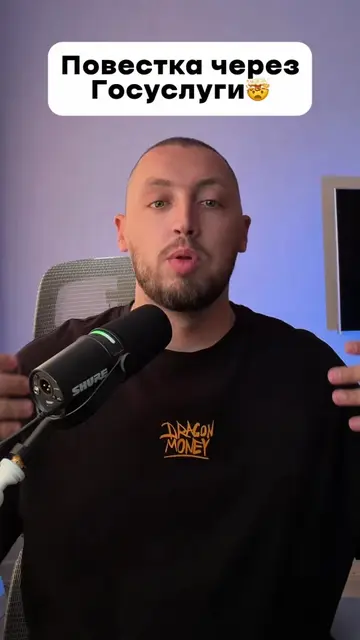
Опасное обновление от meta
Будьте очень осторожны
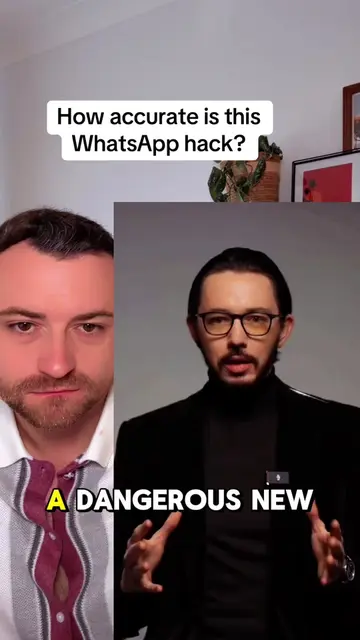
Warning about Meta AI in WhatsApp
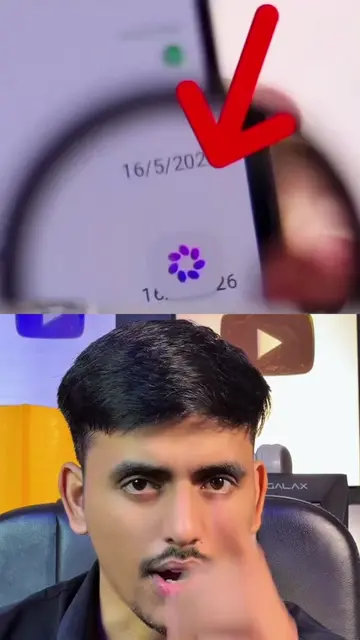
Demonstration of the AI's presence and data collection
Instructions to reset the AI using a command
Introduction to bpboot.com for phone cleaning
Demonstration of the cleaning app removing junk files and hidden apps
Meta AI (it acts as an AI assistant within WhatsApp, generating messages and responding to queries; removing it would change the conversational aspect of WhatsApp) WhatsApp (it acts as a messaging platform where Meta AI is integrated; removing it would mean the AI has no platform to operate on) Dragon Money (it appears as a logo on the creator's t-shirt; removing it would not change what happens in the video) bpboot.com (it acts as a website that provides tools for phone cleaning and virus removal; removing it would mean the viewer cannot access these tools) Limpiador (it acts as a phone cleaning application that removes junk files, duplicate files, and unwanted ads; removing it would mean the phone cannot be cleaned) Meta AI (it appears as a verified account within WhatsApp; removing it would not change the core functionality of WhatsApp)
Promotes 5 products. Create free account to see more.
Outliers and viral hits: their videos on Overshot, all time.
Android tips and tutorials for people maintaining and troubleshooting their phones
All time.