Loading video…
All breakouts
1.2KTalking HeadHow-To hookLifestyle
Hook
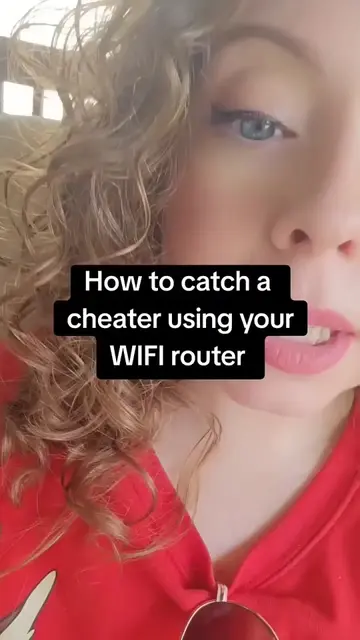
How to catch a cheater using your WIFI router
@verity_investigation
45.0K followers · usually 606 views a post
Views
704.8K
Likes
20.5K
Comments
166
Shares
3.7K
Promoted product
TP-Link router
Why it worked
The video taps into a common relationship anxiety by offering a seemingly accessible technical solution to detect infidelity. The step-by-step instructions, combined with the relatable premise, make it highly shareable and engaging.
Summary
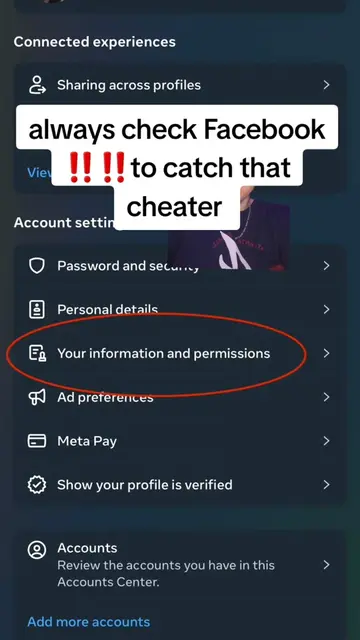
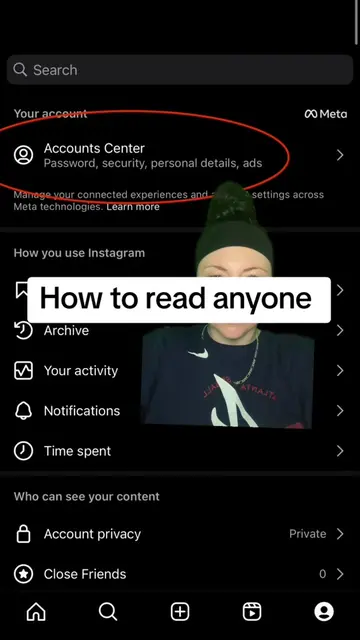
The video explains how to access a Wi-Fi router's settings to view connection logs, which can help identify if a partner is cheating. It guides viewers to find the router's IP address, log in with default credentials, and navigate to the settings tab to access connection logs.
Structure
- 1Introduction to catching a cheater using a Wi-Fi router
- 2Finding the router's IP address
- 3Accessing the router's login page via a browser
- 4Logging in with default credentials
- 5Navigating to the settings tab
Original caption
how to catch a cheater using WIFI router #whatsappspy #cheatingpartner #howtocatchacheater #whatsappmessages #howtospyonmyspousewhatsapp
More from @verity_investigation
More breakout videos from this creator.