Loading video…
All breakouts
258App DemoStory Open hookLifestyle
Hook
HE THOUGHT SHE WOULD NEVER FIND OUT
@verity_investigation
58.2K followers · usually 749 views a post
Views
364.0K
Likes
9.9K
Comments
38
Shares
855
Why it worked
The video leverages a high-engagement, emotionally charged hook about catching a cheating partner to drive views for a practical, albeit controversial, tech tutorial.
Summary
The creator provides a tutorial on how to use the 'Check In' feature on an iPhone to monitor someone's location and battery status. The video explains the steps to configure the feature for arrival or time-based notifications.
Structure
- 1Introduction to the iPhone Check In feature
- 2Step-by-step guide to setting up Check In
- 3Explanation of arrival versus timer-based notifications
- 4Configuration of data sharing levels in settings
Product placement
Apple iPhone (a) ACTS: The video demonstrates the native iOS 'Check In' feature within the Messages app, showing how to configure and use it. Removing the iPhone would change the video as the entire tutorial is specific to this device's operating system.
On-screen text
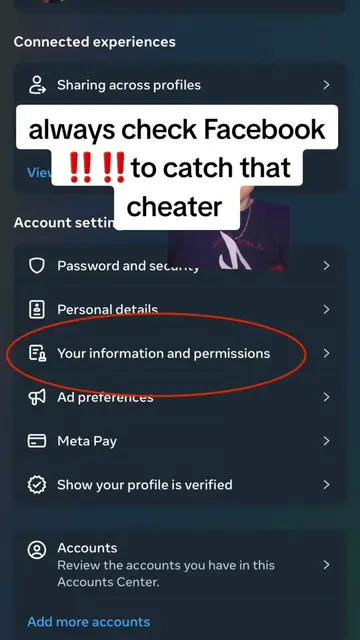
HE THOUGHT SHE WOULD NEVER FIND OUT
#cheatingpartner
#howtocatchacheater
To: Denea
Message
Camera
Photos
Stickers
Apps
Audio
Location
More
Check In
Add recipient to send
Edit
When I arrive
After a timer
Change
Check In Data
Full
When are notifications sent?
Small
Medium
Large
TIMER
45
50
You will be prompted at 10:30 PM. If you don't respond within 15 minutes, Erika Salinas will be notified.
Messages
Settings
Full
Includes most recent location and details about battery and network signal for iPhone and Apple Watch.
SAMPLE DATA
iPhone
Apple Watch
Check in data sharing only occurs when prompted.
Last unlocked: 20 min ago
Removed: 10 min ago
Original caption
HE THOUGHT SHE WOULD NEVER FIND OUT!" #foryou #cheatingpartner #howtocatchacheater #whatsappmessages #howtospyonmyspousewhatsapp
More from @verity_investigation
More breakout videos from this creator.