Loading video…
Sound

original sound - headfilterguy67
HeadfilterGuy67 · Original audio
0:00–:––
- Videos using it
- 3
- Creators
- 3
- Views on those videos
- 605.5K
The video leverages a popular TikTok trend and provides a clear, step-by-step tutorial using a widely accessible editing app (CapCut), making it easy for viewers to replicate the effect and increasing its shareability.
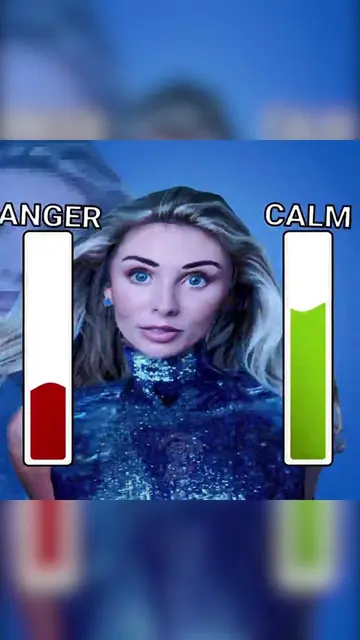
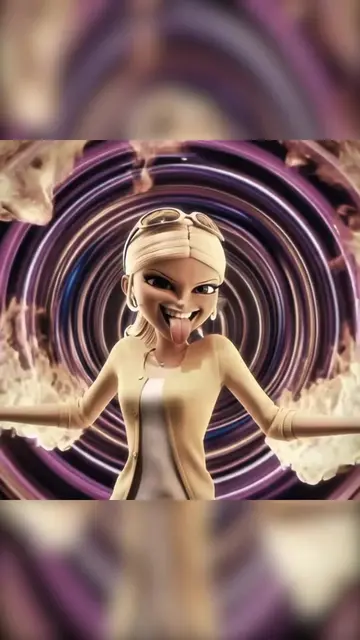
This video demonstrates how to create the "ray fake collab AI trend" using CapCut. It shows the process of copying a video, using a template, and uploading photos to achieve the effect.
#capcut #capcutpioneer ✨How to make the viral ray fake collab AI trend ✨ Complete tutorial for the viral ray fake collab AI video trend 💥TIKTOK ray fake collab template, super easy to use!💥 Shoot ray fake collab in just 2 minutes ✅Step‑by‑step guide for the viral ray fake collab AI effect, anyone can learn✅ ⭐Easily create your own exclusive ray fake collab viral content How to make the ray fake collab filter effect trend tutorial Methods to create ray fake collab ray fake collab video editing tutorial ray fake collab trend video editing tutorial ray fake collab prompt trend editing tutorial ray fake collab special effect trend ray fake collab trend tutorial ray fake collab style video editing Viral ray fake collab video tutorial How to edit ray fake collab video #rayfakecollab #aitrend#fypシ゚viral
8K
Showcase of the trend with increasing numbers
Tutorial introduction and prompt
Step-by-step guide using CapCut
Selecting and uploading media
Final confirmation and encouragement
CapCut: ACTS - it is used to edit a video and create a specific visual effect (the "ray fake collab AI trend"). Removing it would change what happens in the video. TikTok: APPEARS - it is the platform where the video is posted and viewed. Removing it would not change what happens in the video.
Use template in CapCut
Video editing app for creators making social media videos
Views and creators: posted in the last 30 days (English videos). Videos: all time.
Promotes 1 product. Create free account to see more.
Outliers and viral hits: their videos on Overshot, all time.