Loading video…
All breakouts Locked — upgrade to Pro to open.Open on TikTokPro
No preview available · watch on TikTok below
6.3AI Tools
Post
Post by @printpal.io
@printpal.io
84.1K followers · usually 18.6K views a post
Views
116.4K
Likes
5.5K
Comments
13
Shares
458
We’re still analyzing this post.
Original caption
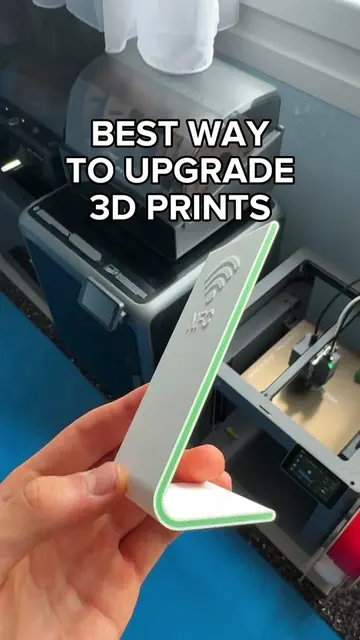
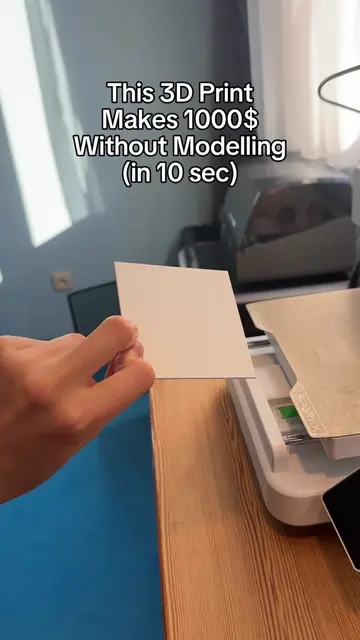
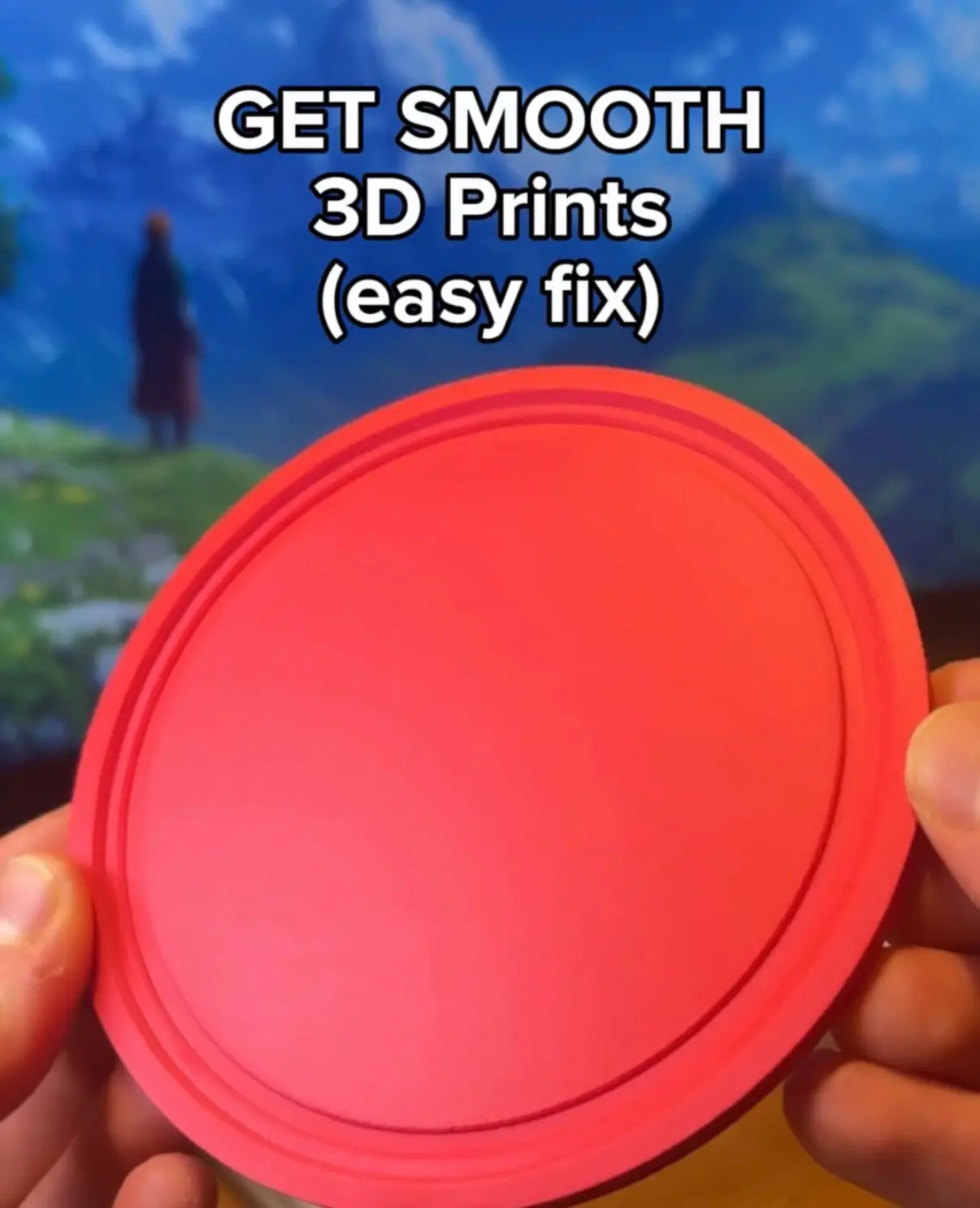
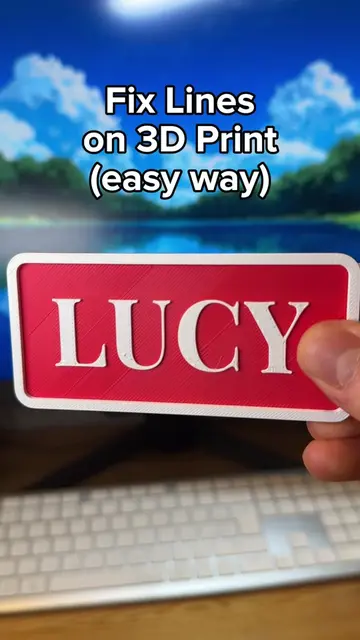
TRICK 1: Adding threads as connectors 1. Use the Cut [C] tool. 2. Click “Add connectors.” 3. Choose Thread 4. Place the connector on your model. 5. Slice and print! TRICK 2: Smoothing out 3D prints (ironing) 1. Print the Ultimate Ironing Test by tholey. 2. Find the best-looking square. 3. Put the left value into your ironing flow setting. 4. Put the bottom value into your ironing speed setting. TRICK 3: Stopping spilling on the first layer 1. Click Plate Settings. 2. Switch “First layer filament sequence” to Customize. 3. Drag the light colour to go first. Follow for daily tips like these, or go to Printpal for a whole library! #3dprinting #3dprint #3d #bambulab
More from @printpal.io
More breakout videos from this creator.