Loading video…
All breakouts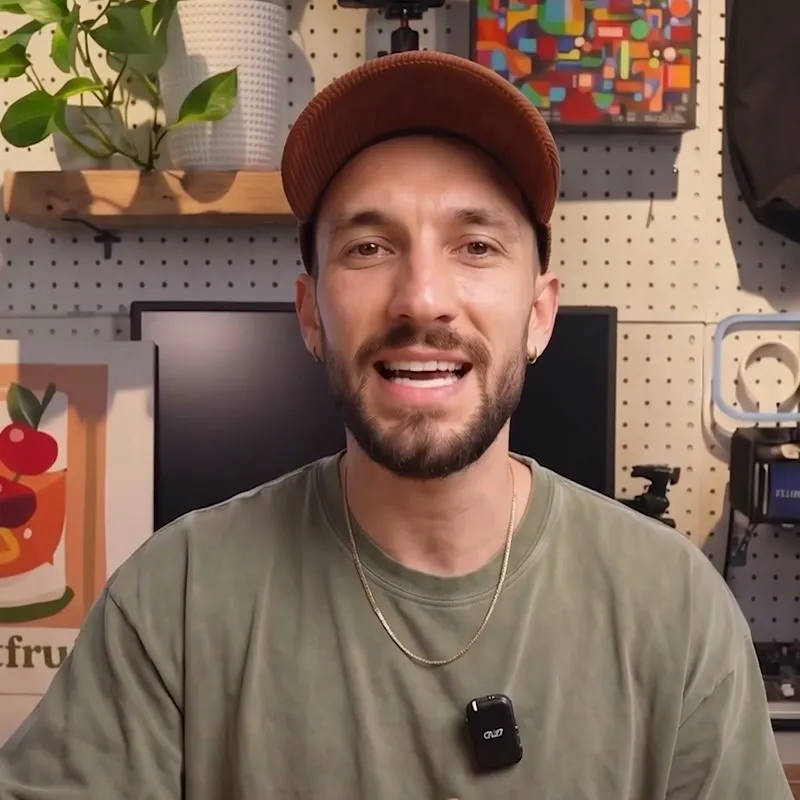
360Talking HeadOther hookConsumer Apps
Hook
Your iPhone actually has a hidden privacy screen.
@tokyotransitwill
11.1K followers · usually 962 views a post
Views
346.0K
Likes
8.1K
Comments
116
Shares
3.8K
Promoted product
Privacy Display
Why it worked
The video promises a "hidden" feature that solves a common, relatable problem (privacy in public) without requiring the purchase of physical accessories, making it highly shareable and useful.
Summary
The creator demonstrates a custom iPhone shortcut called "Privacy Display" that uses the built-in "Reduce White Point" and "Back Tap" accessibility features to create a privacy screen effect. He provides a step-by-step tutorial on how to configure this shortcut to darken the screen when viewed from the side.
Structure
- 1Hook: Claiming a hidden privacy feature exists on all iPhones.
- 2Demonstration: Showing the privacy effect in action.
- 3Tutorial: Step-by-step guide to configuring the shortcut.
- 4Result: Showing the final privacy display functionality.
- 5CTA: Encouraging viewers to save the video.
Product placement
Privacy Display (a) ACTS: the creator demonstrates a custom shortcut he calls "Privacy Display" which he claims is a "hidden privacy screen" feature. He shows the interface of this shortcut, which he credits to "H.DUNG". The video is a tutorial on how to set up this specific shortcut to achieve a privacy effect. Removing this would change the video as it is the central subject.
Original caption
iPhone has a hidden privacy screen that protects your display from side views using a built-in setting. This smart hack uses Reduce White Point and Back Tap for instant privacy in public—no extra screen protector needed. #iPhone #TechHacks #PrivacyTips #iPhoneTips
More from @tokyotransitwill
More breakout videos from this creator.