Loading video…
All breakouts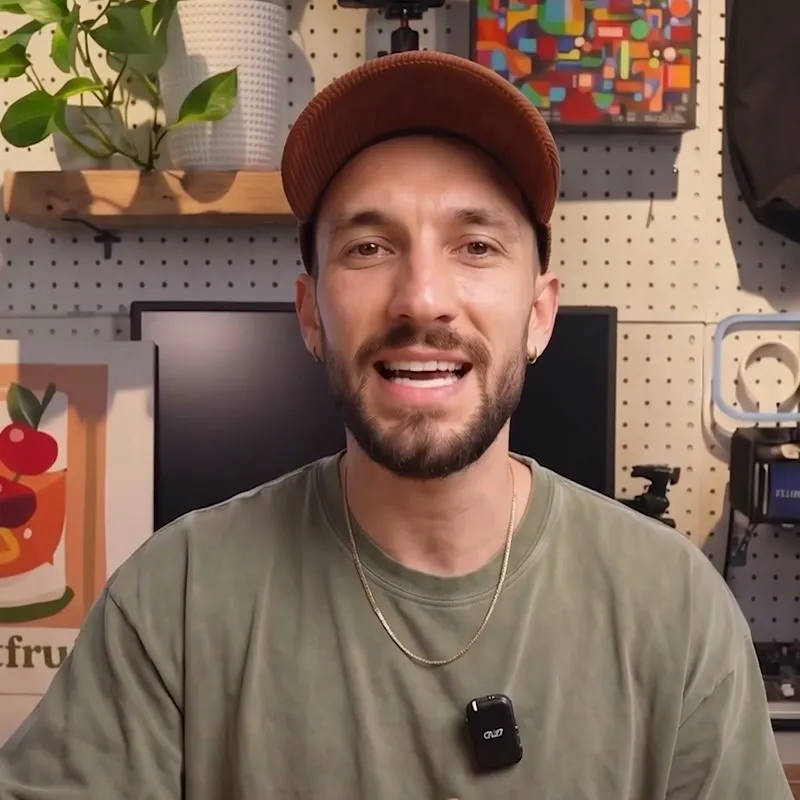
967App DemoDirect Question hookConsumer Apps
Hook
What is the Preview app even for?
@tokyotransitwill
11.1K followers · usually 962 views a post
Views
901.1K
Likes
57.8K
Comments
282
Shares
9.2K
Promoted product
Preview
Download Preview by Apple on the App Store. See screenshots, ratings and reviews, user tips, and more apps like Preview.
Why it worked
The video uses a 'deleting this is a mistake' hook to create immediate curiosity, followed by a high-utility, problem-solving demonstration that provides genuine value to the viewer.
Summary
The creator demonstrates how to use the Preview app on an iPhone to scan, autofill, and sign documents efficiently. The video highlights the app's features as a way to avoid printing or manually filling out paperwork.
Structure
- 1Questioning the utility of the Preview app
- 2Demonstrating the document scanning feature
- 3Showing the autofill capability for forms
- 4Editing text and adding a signature
- 5
Original caption
Preview app reveals hidden iPhone features for easy document scanning and autofill. Discover this smart hack to sign, edit, and share papers without printing or rescanning. #iPhoneTips #Productivity #TechLifehacks #DocumentScanning #MobileEditing
More from @tokyotransitwill
More breakout videos from this creator.