Loading video…
Sound

original sound - holavanena
Vanena🌼 · Original audio
0:00–:––
Playing this video’s own audio, so you’ll hear the creator over the sound.
Hook
Posted Sep 28, 2026Video · 2:16by @holavanena
The video solves a common pain point for tablet users by demonstrating a native, high-utility feature that effectively turns a mobile device into a more productive workstation.
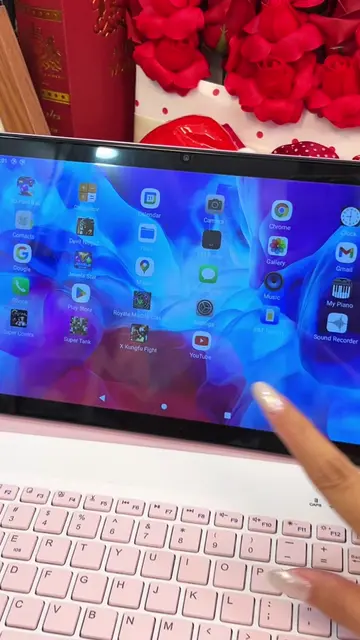
The creator demonstrates how to use Samsung Dex to transform a Samsung tablet into a desktop-like workspace. She highlights the feature's utility for studying, working, and editing content.
Utiliza el MODO Dex y convierte tu Samsung Tab en una computadora💻💗 ponme en comentarios que otra cosa quieres aprender sobre tu Tab!!! #samsungtab #mododex #tabs7 #tablet #samsungtips
¿Sabías que puedes convertir tu Samsung Tab en una computadora?
Introduction to the Samsung Dex feature
Step-by-step activation guide
Demonstration of desktop-like multitasking
Customization and exit process
Personal recommendation and call to action
Samsung Dex: (a) ACTS — the creator demonstrates how to activate it from the tablet's quick settings, shows how it changes the UI to a desktop-like environment, and operates apps within it. Removing it would change the entire video. Samsung Tab: (a) ACTS — it is the device being operated and transformed. Samsung: (b) APPEARS — brand name on the device and in the software interface.
ponme en comentarios que otra cosa quieres aprender sobre tu Tab!!!
Playing this video’s own audio, so you’ll hear the creator over the sound.
Promotes 1 product. Create free account to see more.
Outliers and viral hits: their videos on Overshot, all time.
Multitask between devices like a boss. With Samsung DeX, your Galaxy transforms into a powerful workstation. And now Wireless DeX makes set-up a breeze.
All time.