Loading video…
Sound

original sound - ylhfodm2c2
ylhf · Original audio
0:00–:––
Playing this video’s own audio, so you’ll hear the creator over the sound.
The video leverages a high-interest viral trend and provides a clear, actionable tutorial on how to replicate it using a specific AI tool, making the product feel like an essential utility for the viewer.
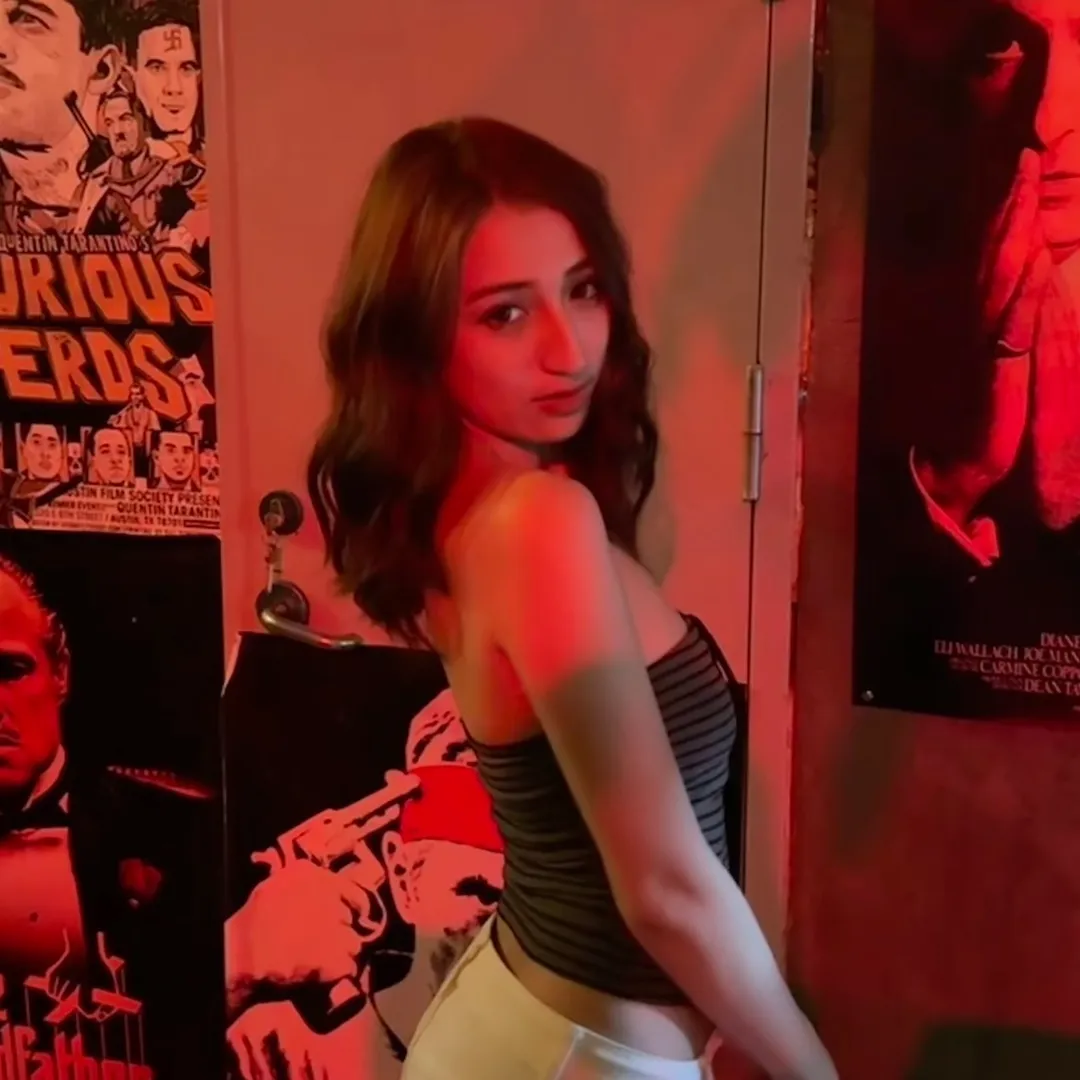
The creator demonstrates a step-by-step tutorial on how to use the Dreamina AI tool within the CapCut ecosystem to create a viral crying video effect. The video guides the viewer through copying a link and navigating the AI tool's interface to generate the result.
ترند البكاء ذكاء اصطناعي. ترند البكاء ذكاء اصطناعي كيف اسوي. ترند البكاء ذكاء اصطناعي cupcut. ترند البكاء ذكاء اصطناعي عربي. كيف اسوي ترند البكي بالذكاء الاصطناعي. طريقة ترند البكاء ذكاء اصطناعي. طريقة ترند البكاء ذكاء اصطناعي. ترند ذكاء اصطناعي كب كات. how to make emotional videos in capcut. capcut ai generator video. capcut ai crying template. capcut ai prompt tutorial video. capcut tears trend. ترند الدموع ai. كيف تسوي ترند الدموع. ترند البكاء ذكاء اصطناعي. ترند البكاء ذكاء اصطناعي كيف اسوي. كيفية عمل فيديو بكاء. شرح فيديو ترند البكاء بالذكاء الاصطناعي. قالب فيديو بكاء capcut. شرح فيديو الحزن والبكاء في capcut. كيفية عمل فيديو ترند البكاء بالذكاء الاصطناعي. تعليمات فيديو البكاء بالذكاء الاصطناعي. شرح فيديو بكاء للبنات. كيفية عمل فيديو بكاء للبنات بالذكاء الاصطناعي. شرح فيديو تأثير الوجه الحزين والبكاء. 🥺💧✨ هذا الترند يحول تعبير الوجه العادي إلى مشهد عاطفي، تبدأ الفتاة بابتسامة خفيفة أو نظرة هادئة للشخص أمامها، ثم تمتلئ عيناها بالدموع وتتحول ملامحها تدريجيًا إلى الحزن مع نزول الدموع بشكل طبيعي 😭💔🎬. يمكن عمل هذا التأثير باستخدام Dreamina AI أو CapCut، فقط اختاري صورة أو فيديو واضحًا واحتفظي بملامح الوجه والشعر والمكياج والملابس كما هي، ثم أضيفي عيونًا دامعة واحمرارًا خفيفًا وتعبيرًا حزينًا وحركة طبيعية للوجه 🥹✨💦. اجعلي الانتقال من الابتسامة إلى البكاء تدريجيًا وغير مبالغ فيه، وأضيفي موسيقى عاطفية مناسبة ليصبح المشهد أكثر إحساسًا 🎧🌙💗. بعد الانتهاء يمكنك مشاركة نسختك على TikTok وتجربة ترند الدموع بطريقتك الخاصة 📱🫶🏻✨.
يبي تسوي نفس هذا الفيديو البكاء مثل هذا؟
Showcase the viral crying video effect
Explain the tutorial is simple and free
Demonstrate copying the video link
Show navigation to the Dreamina AI tool
Show the tool interface and generation process
Dreamina AI: (a) ACTS — the creator demonstrates its interface, selects a template, and uses it to generate the crying video effect. Removing it would change the entire purpose of the video. CapCut: (a) ACTS — the creator uses the CapCut mobile app interface to access the Dreamina AI tool. Removing it would change the workflow shown.
Playing this video’s own audio, so you’ll hear the creator over the sound.
AI image and video creation tool for creators, brands, and marketers
Views and creators: posted in the last 30 days (all languages). Videos: all time.
Promotes 2 products. Create free account to see more.
Outliers and viral hits: their videos on Overshot, all time.