Loading video…
Sound

original sound - fhzkt526156hmyi
Henry🇺🇸 · Original audio
0:00–:––
- Videos using it
- 2
- Views on those videos
- 1.7M
The video leverages a popular TikTok trend and provides a clear, concise tutorial on how to replicate it using a widely accessible editing app, CapCut. This combination of trend relevance and ease of use likely drove engagement.
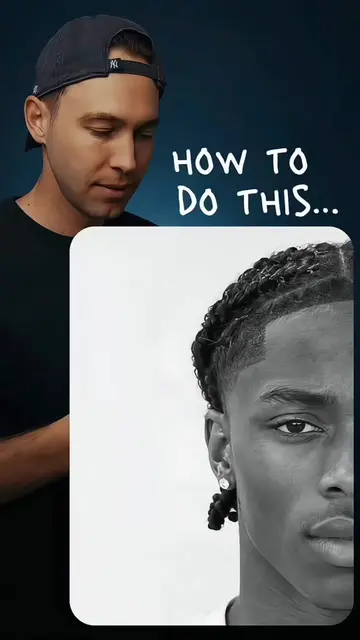
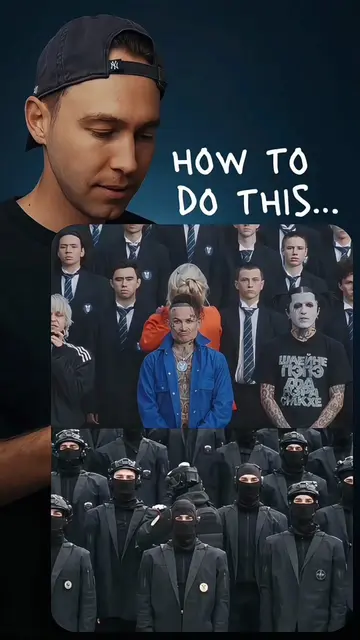
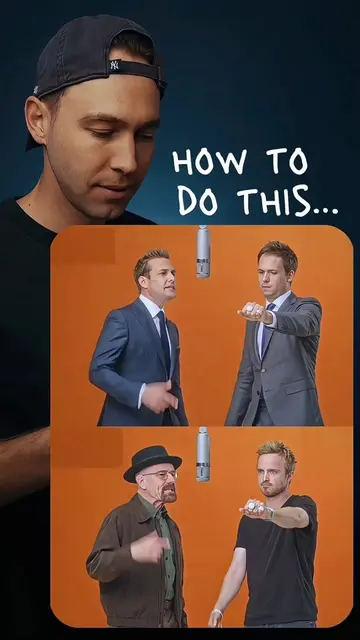
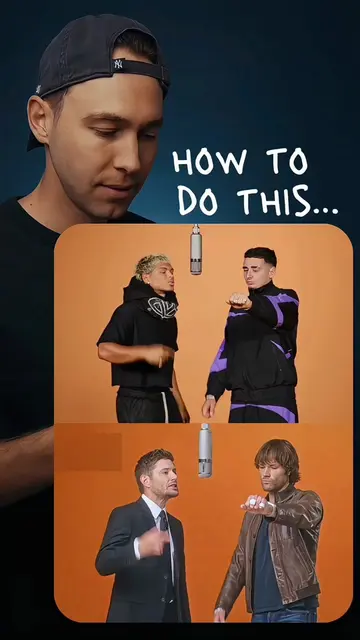
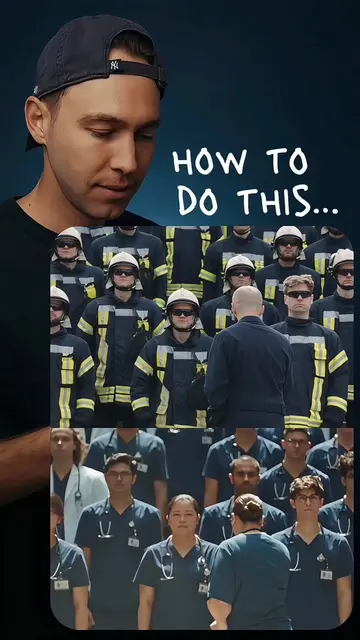
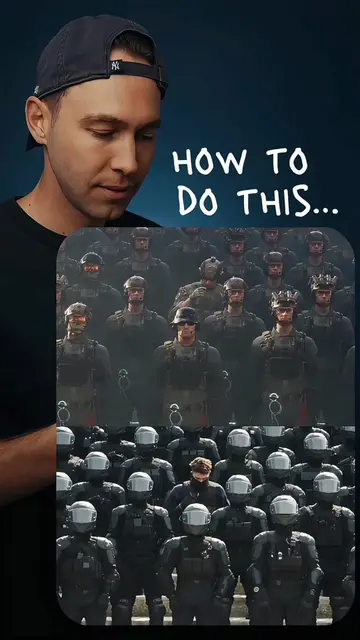
The video demonstrates how to use the CapCut app to create a "mentalist trend" video. It shows the process of uploading a photo and applying a filter within CapCut to achieve the desired effect.
wanna know how to make the mentalist trend? full tutorial right here. upload your photo and you can become a mind‑reading mentalist. #mentalisttrend #aitemplate#capcut #capcutpioneer #mentalistedit
HOW TO DO THIS...
Introduction to the trend
Demonstration of the CapCut app interface
Applying the template and filter
Showing the final result
Call to action to try the template
CapCut: it ACTS as a video editing app that allows users to create and edit videos using templates and filters. Removing it would change what happens in the video as the entire process is shown within the app. TikTok: it APPEARS as the platform where the video is hosted and viewed. Removing it would change what happens in the video as the context is a TikTok video.
Try this template
Promotes 1 product. Create free account to see more.
Outliers and viral hits: their videos on Overshot, all time.
Video editing app for creators making social media videos
Views and creators: posted in the last 30 days (English videos). Videos: all time.