Loading video…
Sound

original sound - mg_edits786
MG EDITS · Original audio
0:00–:––
Playing this video’s own audio, so you’ll hear the creator over the sound.
This video promotes it, but we haven’t matched it to a product page yet, so there are no product figures.
The video provides a clear, actionable tutorial for a popular visual trend, making the tools used feel essential to achieving the result.
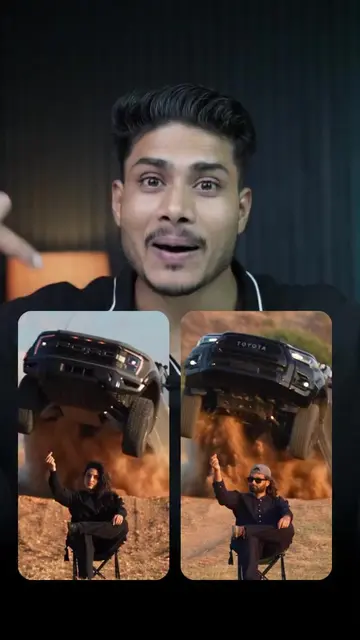
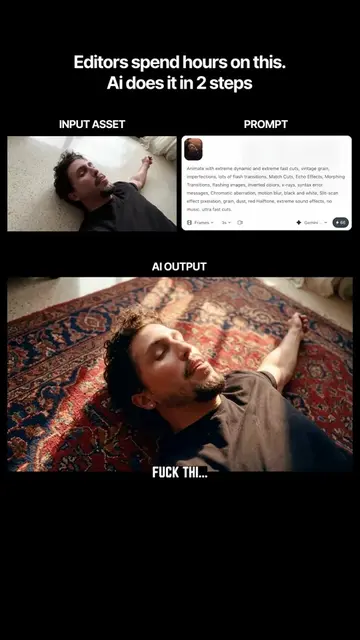
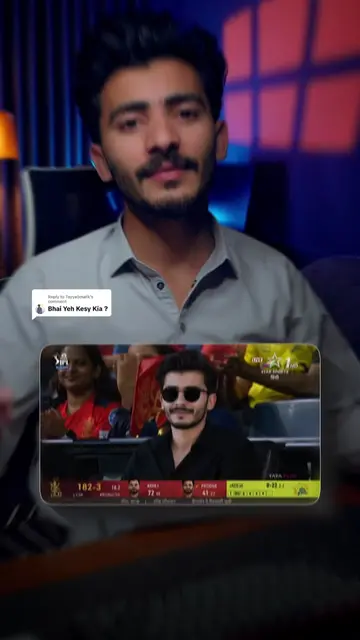
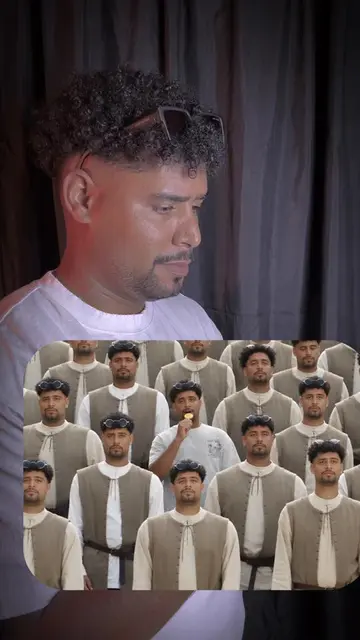
The creator provides a step-by-step tutorial on how to create a viral AI-style video edit using CapCut, ChatGPT, and Flow AI. The process involves recording footage, generating an AI image, animating that image, and editing the final result.
today most trending ai angle edit tutorial #foryou #fyp #tutorial #trending
VIRAL VIDEO EDIT 😱
Record initial footage
Capture screenshot in CapCut
Generate AI image with ChatGPT
Animate image with Flow AI
Final edit in CapCut
(a) CapCut: ACTS — the creator uses its interface to import, edit, and apply transitions to the video. Removing it would change the video as the entire tutorial is based on its workflow. (b) ChatGPT: ACTS — the creator uses it to generate a prompt for the image. Removing it would change the video. (c) Flow AI: ACTS — the creator uses it to animate the image. Removing it would change the video.
Playing this video’s own audio, so you’ll hear the creator over the sound.
Promotes 1 product. Create free account to see more.
Outliers and viral hits: their videos on Overshot, all time.