Loading video…
Sound

original sound - iteojdd
iteojdd · Original audio
0:00–:––
Hook
Posted Sep 30, 2026Video · 0:25by @iteojdd
The video solves a specific, high-interest problem (how to recreate a trending video effect) with a clear, easy-to-follow tutorial that requires minimal effort from the viewer.
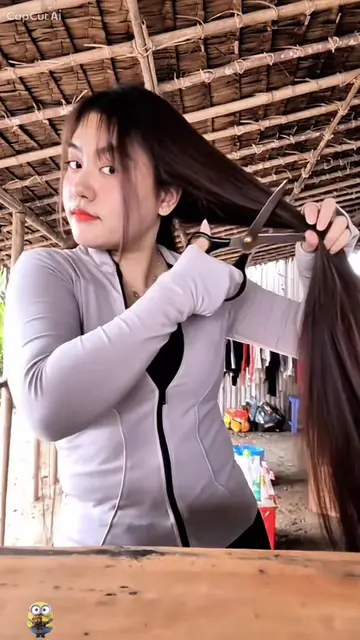
The creator provides a step-by-step tutorial on how to use a CapCut template to create a video effect using personal photos. The video guides the viewer through the process of copying a link and applying the template within the app.
วิธีใช้รูปของตัวเองทำเอฟเฟกต์วิดีโอแบบนี้? ✨📸 ง่ายมาก แถมฟรีอีกด้วย! เดี๋ยวผมสอนให้ดูนะ 😍 ก่อนอื่น กดปุ่ม แชร์ แล้วคัดลอกลิงก์วิดีโอ จากนั้น กดปุ่มที่มุมล่างซ้าย แล้วกดปุ่มนี้ ต่อมา เลือก ใช้เทมเพลตนี้ (Use Template) อัปโหลดรูปภาพที่คุณต้องการใช้ กด ถัดไป (Next) แค่นี้ก็เสร็จแล้ว! 🎉 ลองทำตามดูเลย! 🔥วิธีใช้รูปของตัวเองทำเอฟเฟกต์วิดีโอแบบนี้? ✨📸 ง่ายมาก แถมฟรีอีกด้วย! เดี๋ยวผมสอนให้ดูนะ 😍 ก่อนอื่น กดปุ่ม แชร์ แล้วคัดลอกลิงก์วิดีโอ จากนั้น กดปุ่มที่มุมล่างซ้าย แล้วกดปุ่มนี้ ต่อมา เลือก ใช้เทมเพลตนี้ (Use Template) อัปโหลดรูปภาพที่คุณต้องการใช้ กด ถัดไป (Next) แค่นี้ก็เสร็จแล้ว! 🎉 ลองทำตามดูเลย! 🔥#capcut #capcutpioneer #capcutnow
วิธีทำรูปของตัวเองทำเอฟเฟกต์วิดีโอแบบนี้? ง่ายมาก แถมฟรีอีกด้วย! เดี๋ยวผมสอนให้ดูนะ
Hook introducing the video effect tutorial
Instructions to copy the video link
Demonstration of selecting the template in CapCut
Steps to upload photos and generate the result
Final call to action
(a) CapCut ACTS: the creator demonstrates its interface, selects a template, and uses it to generate a video effect. Removing this would make the video impossible to follow as a tutorial. (b) TikTok APPEARS: the video is hosted on and uses the TikTok interface for sharing and template access. Removing this would change the platform but not the core tutorial content.
ลองทำตามดูเลย!
Video editing app for creators making social media videos
Views and creators: posted in the last 30 days (English videos). Videos: all time.
Promotes 5 products. Create free account to see more.
Outliers and viral hits: their videos on Overshot, all time.