Loading video…
Sound

original sound - ari.kosh
arikosh · Original audio
0:00–:––
- Videos using it
- 11
- Creators
- 7
- Views on those videos
- 4.1M
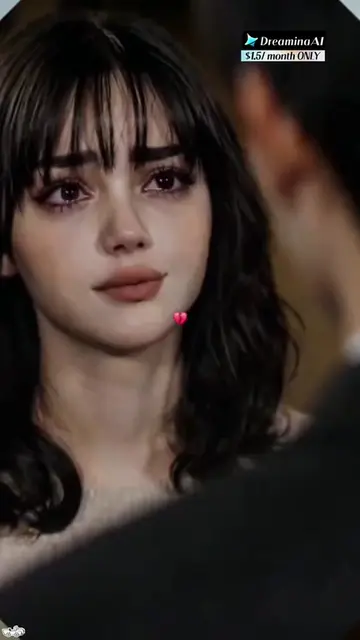
The video leverages a high-engagement emotional trend to capture attention, then immediately provides a practical, step-by-step tutorial on how to replicate it using the promoted AI tool.
The creator demonstrates how to use the Dreamina AI tool to generate trending 'zombie' style videos from prompts. The video shows the interface of the tool being used to select specific AI skills to create the content.
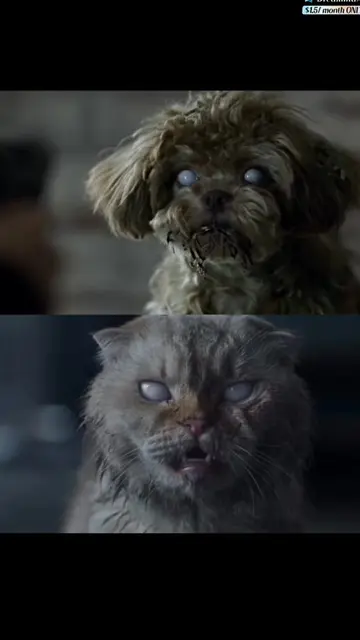
How to make a zombie pet video How to make a zombie video where he shoots at a girl How to make a zombie pet video with text How to make a zombie trend video How to make an AI zombie hug video How to make a trending zombie cat video How to make a video with a zombie couple Prompt for a zombie dog video Prompt for a zombie video Prompt for a zombie pet video AI zombie trend video prompt AI zombie hug video prompt Zombie pet trend Zombie AI trend tutorial Zombie AI trend tutorial for couples Zombie trend video tutorial Free tutorial on how to make a zombie pet video Tutorial on creating a trending zombie pet video Tutorial on creating a video with a zombie couple using AI This AI trend turns an ordinary photo of your loved one or pet into an emotional scene from a zombie movie: a familiar person appears as a zombie, and the person in front of them is scared at first, but then recognizes them and shows affection. With pets, the effect looks especially unusual — an ordinary cat or dog gradually turns into a zombie character while keeping recognizable features. You can make a video like this in Dreamina AI or CapCut: upload a clear photo, preserve the character’s appearance, and add a dark, cinematic atmosphere, pale skin tone, unusual eyes, and smooth movements. For the couple version, you can create an emotional reunion or hug, and for a pet — a touching scene with their owner. You can add suitable music to the finished video and share it on TikTok so others can also try creating their own version of the zombie trend.
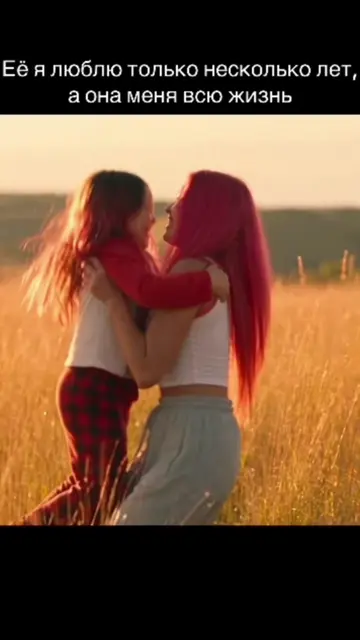
Я плачу от этого тренда 💔
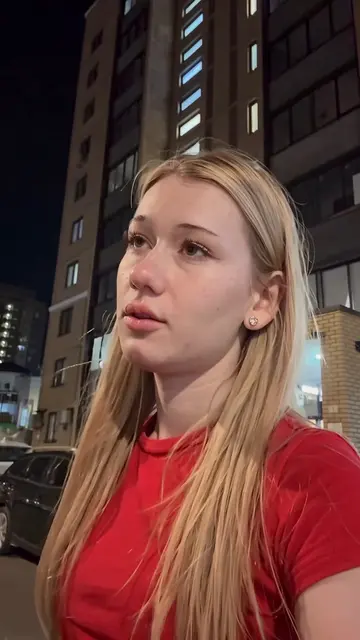
Showcase of the trending zombie video style
Transition to screen recording of the Dreamina AI interface
Demonstration of selecting the AI skill
Call to action to try the tool
Dreamina AI: (a) ACTS — the interface is operated, the user selects a skill, and the tool generates AI video content. Removing it would change the video entirely as it is the subject of the tutorial. TikTok: (b) APPEARS — the platform interface is used to host and share the video. Removing it would not change the video's core purpose of demonstrating the AI tool.
Try this skill in Dreamina
Promotes 9 products. Create free account to see more.
Outliers and viral hits: their videos on Overshot, all time.
AI image and video creation tool for creators, brands, and marketers
Views and creators: posted in the last 30 days (all languages). Videos: all time.