Loading video…
Sound

original sound - vcap__
VCap · Original audio
0:00–:––
- Videos using it
- 23
- Creators
- 7
- Views on those videos
- 59.9M
The video leverages a high-performing viral trend to demonstrate the ease of use of a specific app template, providing a clear, actionable tutorial for viewers who want to replicate the effect.
The creator demonstrates how to use a specific CapCut template to create a viral 'bob filter' prank video. The video shows the process of copying the link and opening the template within the CapCut app.
How to make the viral "Pranking my friends with the bob filter" AI trend ✨ Full tutorial for the viral "Pranking my friends with the bob filter" AI photo trend TIKTOK "Pranking my friends with the bob filter" template, super easy to use! Create "Pranking my friends with the bob filter" in just 2 minutes ✅ Step‑by‑step guide for the viral "Pranking my friends with the bob filter" AI effect, anyone can master it✅ ⭐ Easily create your own exclusive viral "Pranking my friends with the bob filter" content ⭐ bob hair filter effecteyes filter effectbob cut hairstyle filterbob filter effectsbob sponge filter 6bob sponge filter 3bob sponge filter 2bob sponge filter plugsbob effect haircut filterbob sponge filter water#PrankingMyFriendsWithTheBobFilter #ViralAITrend #TikTokTutorial #capcut #capcutpioneer
Pranking my boyfriend with this filter 😂
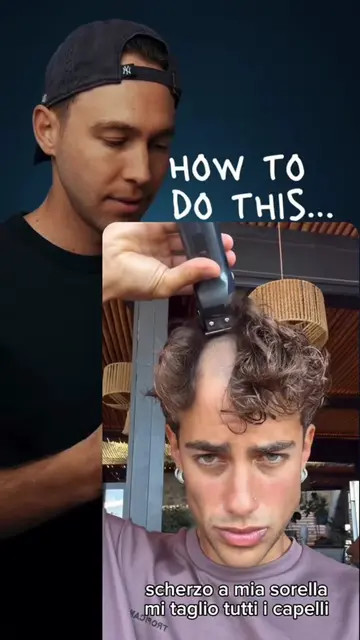
Showcase of the viral prank result
Demonstration of copying the template link
Opening the template in the CapCut app
Selecting photos to apply the filter
(a) CapCut ACTS: the interface is operated to select a template, import photos, and generate the final video effect. Removing it would change the video as it is the tool being demonstrated.
Use template in CapCut
Promotes 1 product. Create free account to see more.
Outliers and viral hits: their videos on Overshot, all time.
Video editing app for creators making social media videos
Views and creators: posted in the last 30 days (English videos). Videos: all time.