Loading video…
Sound

original sound - bqfilms_
bq · Original audio
0:00–:––
- Videos using it
- 12
- Creators
- 4
- Views on those videos
- 2.7M
The video solves a common curiosity about how a viral effect is created, providing high utility by turning a trend into a simple, actionable tutorial.
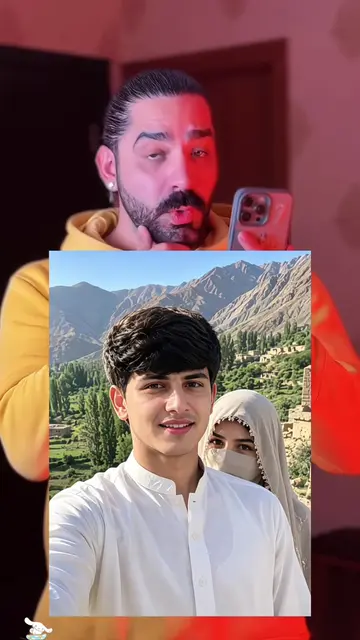
The creator demonstrates how to use a specific template within the CapCut app to generate an image from a single photo. The video provides a step-by-step tutorial on navigating the app's interface to achieve the effect.
#capcut #capcutpioneer How is this kind of effect made? You only need to upload one photo to get the same result. The whole process is very simple. Now I will guide you step by step. First, click on the “Template” in the bottom left corner. If you can’t find it, click on my avatar. Find this video and tap to enter it. Locate this template. Click on “Use template”. Then click again and select the photo you like. Wait a few seconds — the image will be generated automatically. Finally, click “Export” and everything will be done. Comment créer ce type d’effet ? Il vous suffit de télécharger une seule photo pour obtenir le même résultat. Le processus est très simple. Je vais maintenant vous guider étape par étape. Tout d’abord, cliquez sur « Template » en bas à gauche. Si vous ne le trouvez pas, cliquez sur mon avatar. Recherchez cette vidéo et appuyez pour y entrer. Trouvez ce modèle (template). Cliquez sur « Use template ». Puis cliquez à nouveau et sélectionnez la photo que vous aimez. Attendez quelques secondes — l’image sera générée automatiquement. Enfin, cliquez sur « Export » et tout sera terminé. Comment créer ce type d’effet ? 😍 Il vous suffit de télécharger une seule photo pour obtenir le même résultat. Le processus est très simple ! Je vais vous guider étape par étape. ✨ Tout d’abord, cliquez sur « Template » en bas à gauche de la vidéo. Si vous ne le trouvez pas, cliquez sur mon profil, recherchez cette vidéo et ouvrez-la. Ensuite, trouvez ce template et cliquez sur « Use template ». Sélectionnez ensuite la photo que vous souhaitez utiliser. Attendez quelques secondes… ⏳ L’image sera générée automatiquement ! ✨ Enfin, cliquez sur « Export » et c’est terminé ! 🎉
Don't worry girl, I got your back
Showcasing the final effect
Introducing the tutorial
Navigating to the template
Selecting a photo
Generating the result
CapCut: (a) ACTS — the video demonstrates its template interface, shows the user selecting a photo, and explains how it automatically generates an image result. Removing it would change the video entirely as it is a tutorial for this specific app.
Follow the steps to use the template in the app.
Promotes 1 product. Create free account to see more.
Outliers and viral hits: their videos on Overshot, all time.
Video editing app for creators making social media videos
Views and creators: posted in the last 30 days (English videos). Videos: all time.