Loading video…
Sound

original sound - rafiullha_
nothing👑 · Original audio
0:00–:––
Playing this video’s own audio, so you’ll hear the creator over the sound.
- Videos using it
- 5
- Views on those videos
- 201.5K
Hook
Posted Oct 4, 2026Video · 0:14by @nilml3
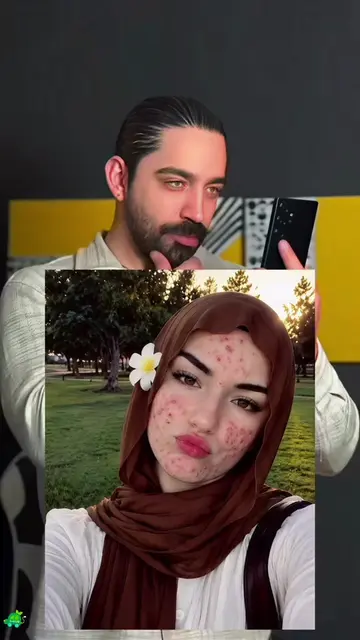
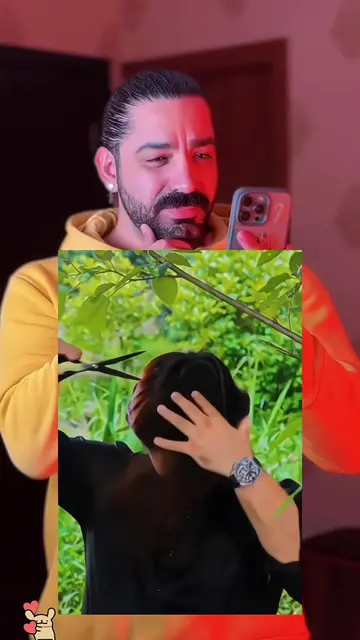
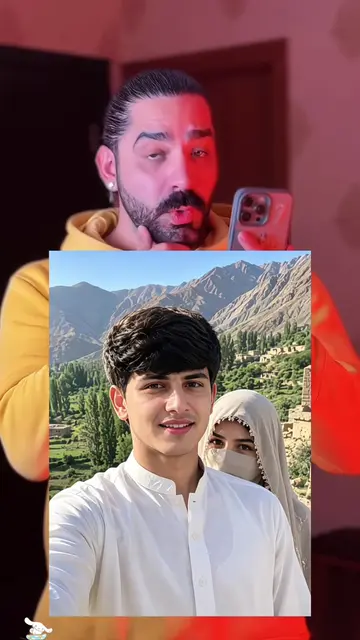
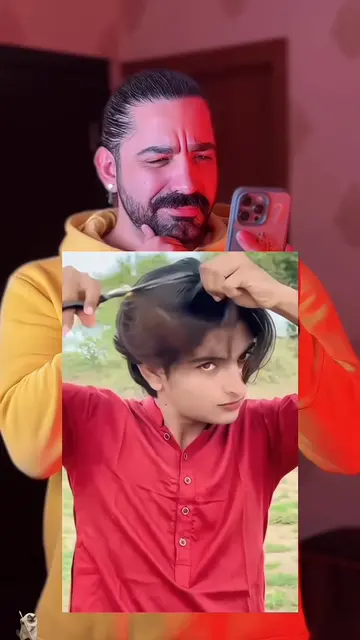
The video leverages a trending template to provide immediate value to the viewer, turning a personal post into a functional tutorial that encourages app engagement.
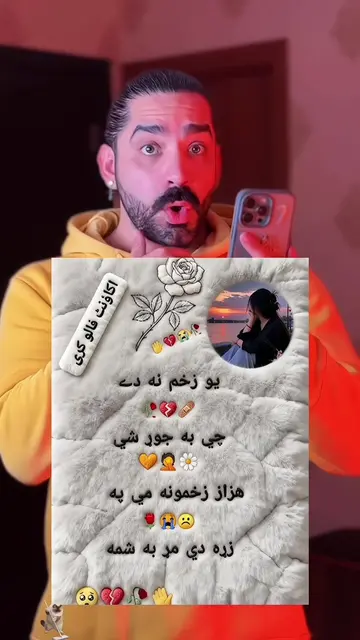
The creator showcases a photo template effect on their phone and provides a step-by-step tutorial on how to use the Hypic app to create similar content. The video encourages viewers to follow the creator and try the template themselves.
🔥🔥❤️❤️ ✨How to get this trending effect instantly? Just upload one photo! Super easy steps below 📸 1. Tap Template at bottom left 📑 2. Can’t find it? Tap my avatar 👤 3. Open this video 4. Find the template inside 5. Hit Use Template 6. Upload your favorite photo 🖼️ 7. Wait seconds for auto generation 8. Tap Export & done 🎉 ✨چطور این افکت محبوب را سریع بسازید؟ فقط یک عکس آپلود کنید! مراحل ساده: 📸 ۱. دکمه قالب پایین چپ را بزنید 📑 ۲. پیدا نکردید؟ روی آواتار من کلیک کنید 👤 ۳. وارد این ویدیو شوید ۴. قالب ویدیو را پیدا کنید ۵. گزینه استفاده از قالب را انتخاب ۶. عکس دلخواه خود را بارگذاری 🖼️ ۷. چند ثانیه صبر تا ساخت خودکار ۸. دکمه خروجی را بزنید، تمام شد 🎉 ✨چگونه این افکت پرطرفدار را فوراً بدست آوریم؟ فقط یک عکس آپلود کنید! مراحل آسان: 📸 ۱. دکمه قالب را در پایین چپ بزنید 📑 ۲. پیدا نکردید؟ روی آواتار من کلیک کنید 👤 ۳. این ویدیو را باز کنید ۴. قالب را در داخل ویدیو پیدا کنید ۵. روی استفاده از قالب کلیک کنید ۶. عکس مورد علاقه خود را آپلود کنید 🖼️ ۷. چند ثانیه منتظر بمانید، عکس به صورت خودکار ساخته میشود ۸. روی خروجی کلیک کنید، تمام شد 🎉 ✨دا مشهور اثر څنګه ژر تر ژره ترلاسه کړو؟ یو عکس اپلوډ کړئ! اسانه ګامونه: 📸 ۱. په ښکته چپ اړخ کې ټیمپلیټ تڼۍ ټپ کړئ 📑 ۲. پیدا نه کړئ؟ زما اوتار باندې کلیک وکړئ 👤 ۳. دا ویډیو خلاص کړئ ۴. په ویډیو کې ټیمپلیټ ومومئ ۵. د ټیمپلیټ کارولو تڼۍ ټپ کړئ ۶. خپل خوښ عکس اپلوډ کړئ 🖼️ ۷. څو ثانیې انتظار وکړئ، عکس پخپله جوړیږي ۸. صادرول ټپ کړئ، بشپړ شو 🎉
دوستا رقصم که خوب بود شما بگین نامزدم چطور است بهم میایم یانه
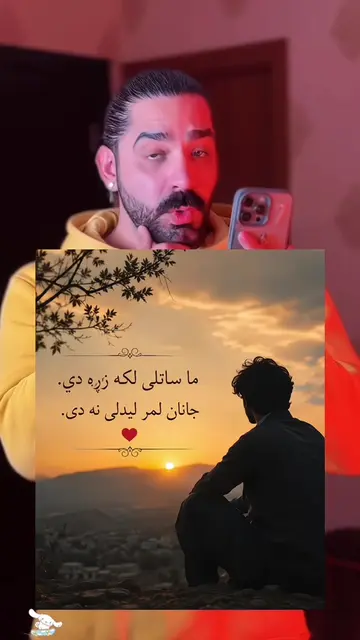
Creator asks for feedback on their couple photo
Transition to screen recording of the Hypic app
Demonstration of selecting the template
Instruction on uploading a photo for auto-generation
Final call to action to use the template
Hypic: (a) ACTS — the video demonstrates the app's interface, specifically the 'Use template' feature, to generate a photo effect. Removing it would change the video as the entire content is a tutorial on using this specific app.
Tap Template at bottom left
Playing this video’s own audio, so you’ll hear the creator over the sound.
AI photo-editing app for people creating retouched and stylized images
Views and creators: posted in the last 30 days (all languages). Videos: all time.
Promotes 4 products. Create free account to see more.
Outliers and viral hits: their videos on Overshot, all time.