Loading video…
All breakouts
830Talking HeadHow-To hookCreator Economy
Hook
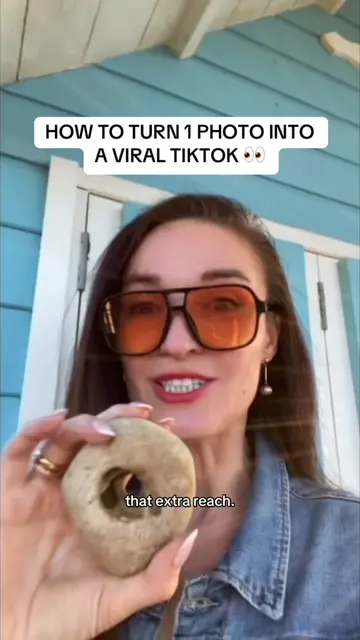
HOW TO TURN 1 PHOTO INTO A VIRAL VIDEO 👀
@digitallyzzie_
60.8K followers · usually 814 views a post
Views
650.9K
Likes
7.8K
Comments
377
Shares
547
Why it worked
The video provides actionable, high-value utility by teaching a specific, underutilized feature within a popular platform, which directly addresses the audience's desire for growth and virality.
Summary
The creator provides a step-by-step tutorial on how to use the 'One Clip' template feature within the TikTok app to transform a single photo into a video. She encourages viewers to use this feature to increase their reach and potential for virality.
Structure
- 1Hook: How to turn one photo into a viral video
- 2Call to action: Save and comment to engage
- 3Tutorial: Navigating to the One Clip template in TikTok
- 4Tutorial: Uploading media and adding text
- 5Strategy: Posting to both feed and stories for reach
- 6Closing: Encouragement to test feature tutorials
Product placement
TikTok (a) ACTS: the creator demonstrates the 'One Clip' feature within the TikTok app interface to create a video from a photo. Removing this would change the video entirely as the video is a tutorial on using this specific feature. TikTok (b) APPEARS: the app logo and interface are visible throughout.
Call to action
hit the save button and comment I want to go viral, so you're actually putting the tip into action
Original caption
Turn ONE photo into a TikTok video in seconds 👀 No extra editing app needed. I’ll show you exactly where to find One Clip and how to use it. ❤️ #tiktoktips #oneclip #tiktokfeature #contentidea #tiktokgrowth
More from @digitallyzzie_
More breakout videos from this creator.