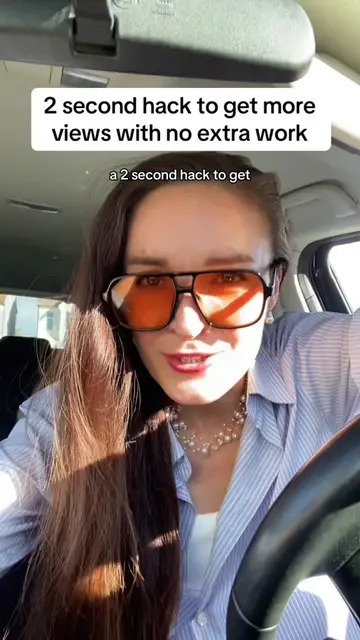
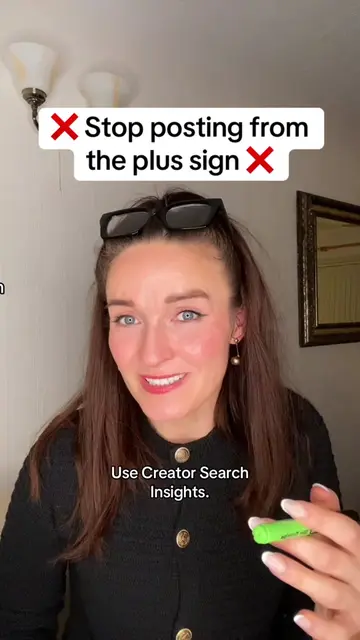
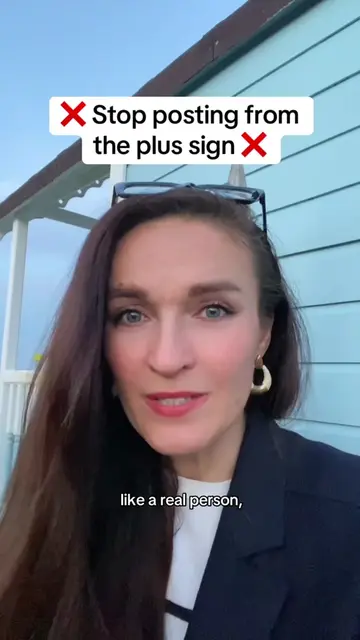
Loading video…
All breakouts
5.5KTalking HeadCuriosity Gap hookCreator Economy
Hook
I'm about to show you
@digitallyzzie_
60.8K followers · usually 814 views a post
Views
4.4M
Likes
53.0K
Comments
1.8K
Shares
3.4K
Why it worked
The video provides a clear, actionable tutorial on a specific, high-interest feature (TikTok's 'One Clip' templates) that promises a tangible result (going viral) with minimal effort.
Summary
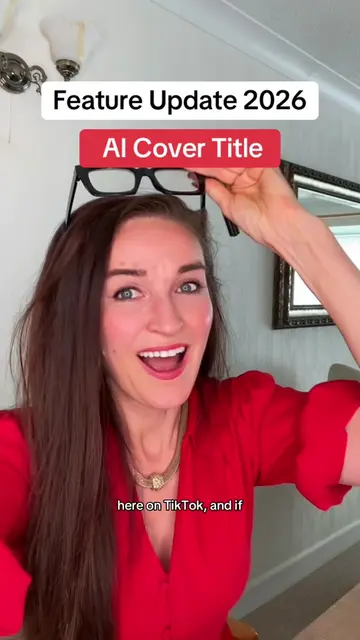
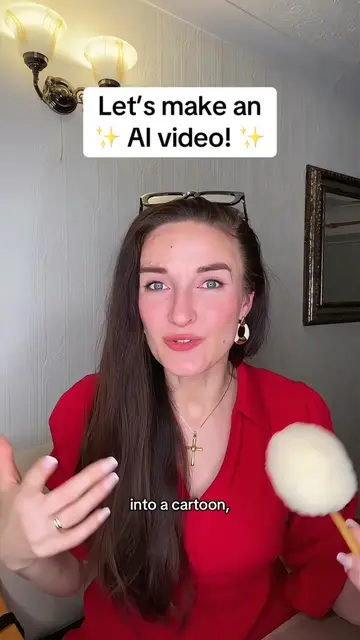
The creator provides a tutorial on how to use the 'One Clip' template feature within the TikTok app to create viral-style videos from a single photo. She explains the step-by-step process of selecting the template, uploading media, and optimizing the post for reach.
Structure
- 1Introduction to the viral photo-to-video hack
- 2Step-by-step guide to accessing the One Clip template
- 3Instructions on uploading media and using the template
- 4Tips for adding text and optimizing for the main feed
- 5Advice on leveraging feature tutorials for growth
Product placement
TikTok: (a) ACTS — the video demonstrates the use of the TikTok app's 'Create' and 'One Clip' features to generate a video from a photo. Removing this would change the entire video as it is a tutorial on using these specific platform features. This is substrate as it is the platform the video is hosted on.
Call to action
hit my buttons and follow me for more TikTok growth tips
On-screen text
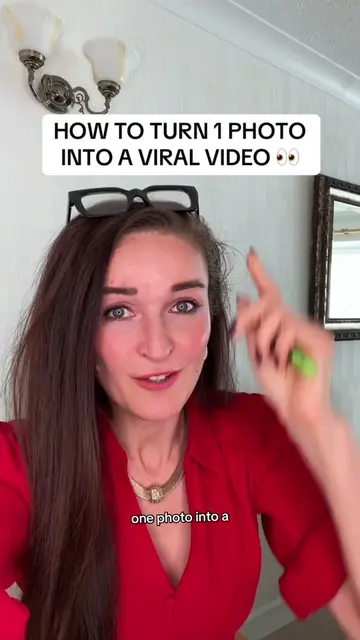
HOW TO TURN 1 PHOTO INTO A VIRAL TIKTOK 👀
I'm about to show you
how to turn one photo
into video on TikTok
to go viral.
Completely free.
All I ask is that
you support me:
hit these buttons over here,
copy the link, share,
save, comment “I want to go viral”
Right, let’s get straight into it.
Hit the black plus sign.
But you’re not going
to record anything.
Look at the bottom
and select create.
Once you’ve
selected create,
look at the top
somewhere here and
you’ll see templates.
Tap templates and scroll
all the way over
there to the right
and select One Clip.
Then just scroll through
the templates
TikTok gives you
and find one that
you like and tap it.
You’ll see a red button
that says ‘Try this template’…
Tap that and then
upload your photo.
You can use a short
video as well.
Either one works.
TikTok will turn it into a
video for you
in a couple of seconds.
And it’ll already have
a sound on there.
Just leave the sound
TikTok gives you.
And then all you have
to do is just add
text-on-screen hook,
and make it relevant
to your niche
or something that
actually relates
to the photo.
And I know everybody
keeps telling you
just post it to your story.
Now, you can post it
to your main feed
as long as it relates
to your niche.
And after that, you post
it to your story always.
But again, that’s completely up to you.
Stories are another
opportunity to get
that extra reach.
Now, once you’ve
done that,
go and make a video
telling other people
about One Clip feature,
because TikTok is
pushing these feature
tutorials at the moment.
So it’s another type
of content you can test
if you’re trying to get
more reach and
potentially go viral.
Go and try today.
And remember to
hit my buttons
and follow me for more
TikTok growth tips that actually work.
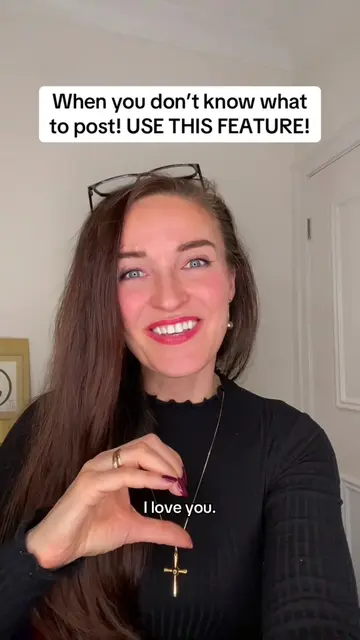
I love you.
Original caption
Autocut Feature Ttutorial: TikTok Autocut OneClip September 2026 Guide. #tiktoktips #autocut #tiktokfeatures #goviral #viral
More from @digitallyzzie_
More breakout videos from this creator.