Loading video…
Sound

original sound - icg.aii
Leo Bennett | Phone & AI · Original audio
0:00–:––
We didn’t find a product being promoted in this video. Its hook, format and structure below still show why it took off.
Browse products winning on TikTokThe video addresses a common, relatable frustration for iPhone users with a simple, actionable 'life hack' that provides an immediate, tangible benefit.
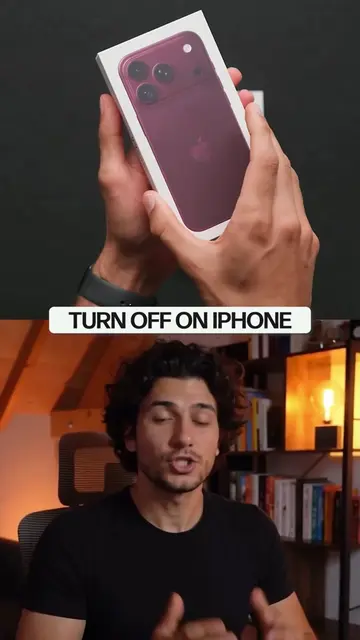
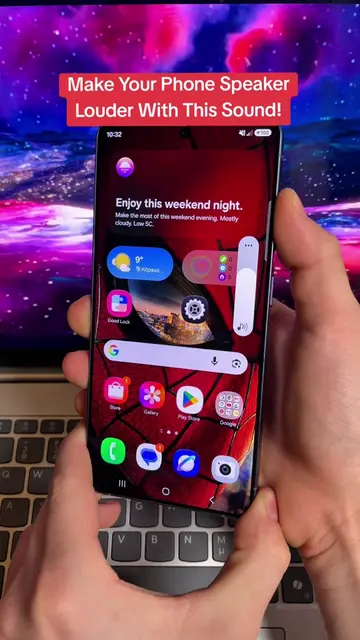
The creator provides a tutorial on how to adjust accessibility settings on an iPhone to increase the device's maximum audio volume. The video guides the user through enabling Mono Audio and configuring Headphone Accommodations.
iPhone sound just got louder with Accessibility settings. Unlock hidden volume boost using Mono Audio and Headphone Accommodations for stronger audio. Perfect life hack for better sound on your device. #iPhone #TechTips #LifeHack #AudioBoost #Accessibility
On the iPhone, there is a sound volume limit.
Identify the problem of iPhone volume limits
Navigate to Accessibility settings
Enable Mono Audio for combined speaker output
Configure Headphone Accommodations for stronger sound
Final CTA to save the video
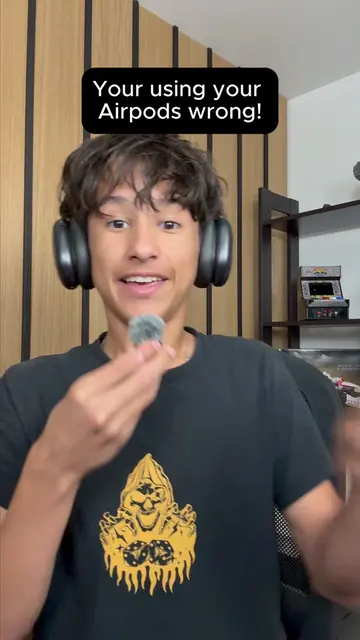
iPhone: (a) ACTS — the creator demonstrates how to navigate its settings and adjust audio configurations to change the device's output volume. Removing it would change the entire video as it is the subject of the tutorial. Apple AirPods: (a) ACTS — the creator mentions them while discussing Headphone Accommodations settings. Removing them would change the context of the specific setting being explained.
Save this video so you don't lose it.
Outliers and viral hits: their videos on Overshot, all time.