Loading video…
Sound

original sound - wals3333
wals333 · Original audio
0:00–:––
- Videos using it
- 133
- Creators
- 7
- Views on those videos
- 32.7M
Hook
Posted Oct 10, 2026Video · 0:23by @lapgbdnjgcuyz
The video solves a specific, trending UI customization problem with a clear, actionable tutorial that leverages a popular third-party tool.
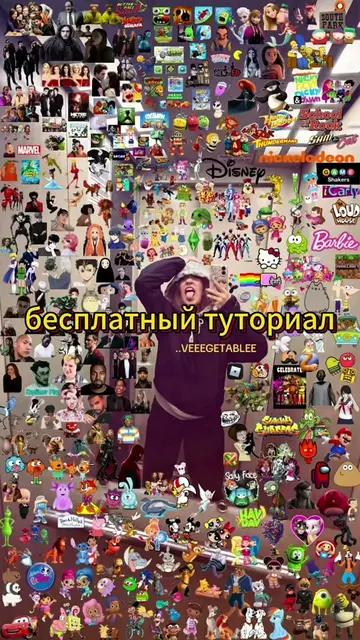
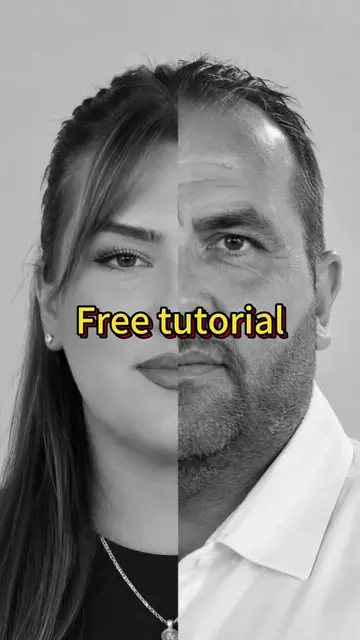
The creator provides a step-by-step tutorial on how to use a CapCut template to create a profile banner effect on TikTok. The video guides the viewer through copying a link, accessing a template, and applying a photo to generate the result.
хочешь сделать этот эффект обновления баннера tiktok как включить обновление баннера в tiktok руководство по получению функции обновления баннера как добавить баннер в tiktok туториал новой функции баннера в tiktok how to get banner update guide iphone how to get banner update guide ios how to get banner update on tiktok how to get banner update guide how to add a banner on tiktok new update banner update tutorial in tiktok how to get banner on tiktok ipad how to get banner update guide on samsung banner update tutorial mobile #bannerupdatetutorial #bannerupdate #bannerupdatetrend #capcut #capcutpioneer
Хочешь сделать этот эффект обновления баннера TikTok?
Identify the desired profile banner effect
Instruct viewer to copy the video link
Direct viewer to the CapCut template
Demonstrate selecting a photo and applying the template
Show the final result on the profile
TikTok: (a) ACTS — the video demonstrates how to use its interface to access a profile banner feature. Removing it would change the video entirely as it is the platform being navigated. CapCut: (a) ACTS — the video demonstrates using its template feature to create the banner effect. Removing it would change the video as it is the tool used to perform the transformation.
Promotes 1 product. Create free account to see more.
Outliers and viral hits: their videos on Overshot, all time.
Video editing app for creators making social media videos
Views and creators: posted in the last 30 days (English videos). Videos: all time.