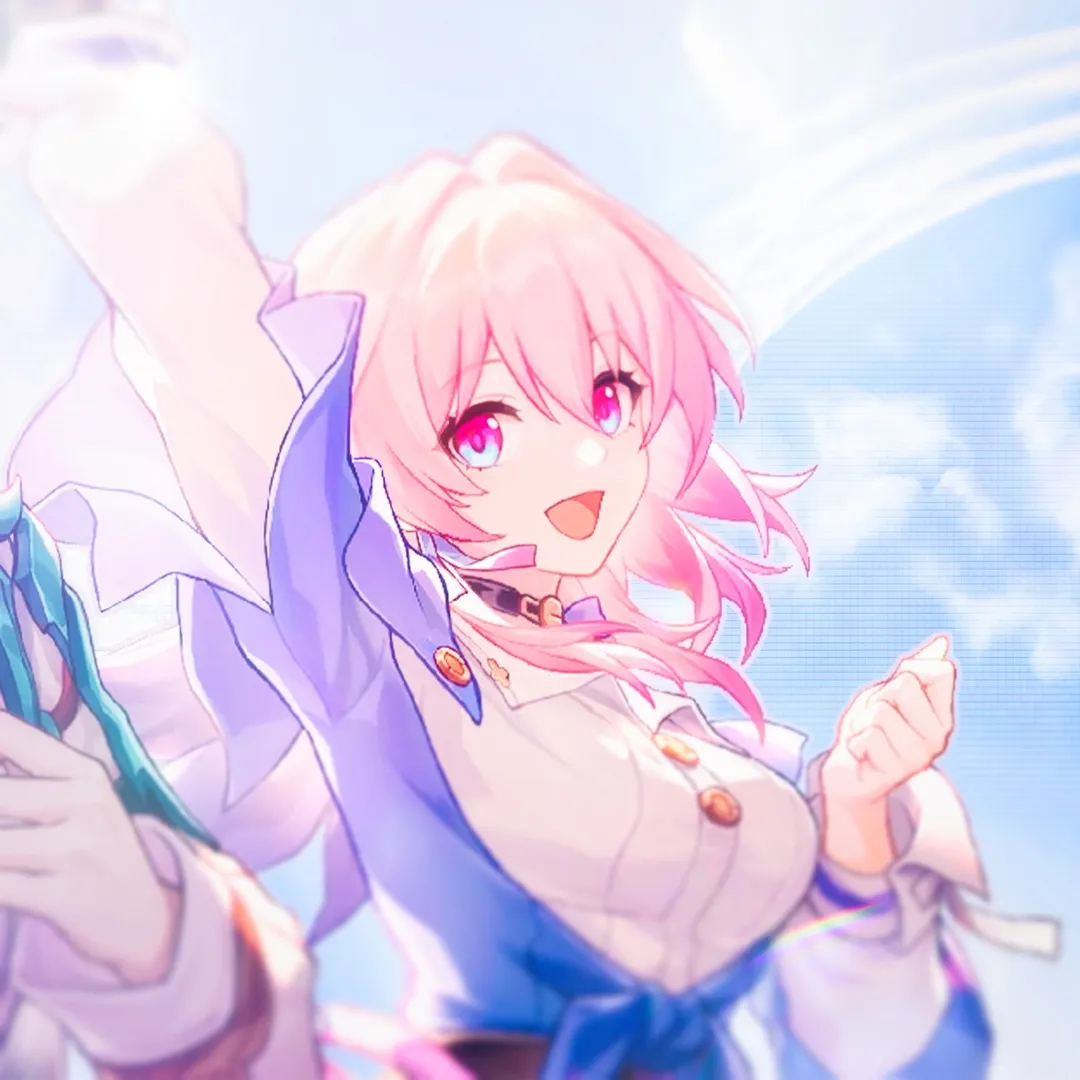
Loading video…
All videos Locked — part of Pro; create a free account to start.Open on TikTokPro
No preview available yet
Views
2.6K
Likes
124
Comments
2
Shares
11
Engagement
5.3%
of views
2.8xthis account’s usual views
This video2.6KUsual views996
The product
Not selling anything
No product promoted
We didn’t find a product being promoted in this video. Its hook, format and structure below still show why it took off.
Browse products winning on TikTokThe creator
We’re still analyzing this post.
Original caption
Credit isn't necessary but is appreciated! Before and after on last slide | Made for photos and videos | Works on any software that has blending modes Change how the colouring looks by adjusting the exposure or curves of your photo/video! Changing the order of the layers will impact the final result and may cause the colouring to look different compared to the examples! Made using Procreate and Adobe After Effects! Extra Tags: cc , colouring , color grading , colour correction , cc for photos , cc for videos , cc for edits , colouring for photos , colouring for videos , colouring for edits , after effects , ae , am , alight motion , capcut , vs , vsp , video star , blurrr , ibis paint , procreate , cc for ae , cc for after effects , colouring for ae , colouring for after effects , cc for am , cc for alight motion , colouring for am , colouring for alight motion , cc for vs , cc for vsp , cc for video star , colouring for vs , colouring for video star , colouring for vsp , cc for capcut , colouring for capcut , cc for blurrr , colouring for blurrr , beginner friendly , editing tutorial , editing tut , cc tutorial , colouring tutorial , free cc , free colouring , free cc for edits , free colouring for edits , beginner edit tut , beginner edit tutorial , #staronethree #aftereffects #edit