Loading video…
Sound

original sound - simply.mealplan
The Easy Meal ✨ · Original audio
0:00–:––
Playing this video’s own audio, so you’ll hear the creator over the sound.
The video solves a relatable pain point—grocery budgeting and meal planning—by showing a seamless, high-utility app interface that does the heavy lifting for the user.
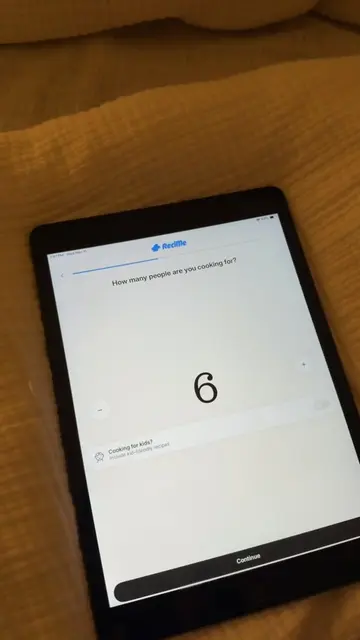
The creator demonstrates the NeatEat app, showing how it generates a customized weekly meal plan and grocery list based on her budget, dietary preferences, and existing pantry items. She highlights the app's ability to provide macro breakdowns, adjust serving sizes, and offer step-by-step cooking instructions.
immediately yes #aldi #mealideas #budgetmeals #dinner #groceryshopping
ALDI WHAT IS GOING ONNNNNN 😫😫💀
Creator expresses shock at grocery prices
Demonstrates setting up preferences in NeatEat
Shows the app generating a meal plan and grocery list
Highlights macro tracking and recipe instructions
(a) NeatEat ACTS: the creator uses the app's interface to select a grocery store, define household size, choose meal types, select cooking days, inventory kitchen appliances, set dietary preferences, define meal vibes, list existing pantry items, and set a weekly budget. The app then generates a meal plan, grocery list, and recipe instructions. Removing this would remove the entire purpose of the video. (b) Aldi APPEARS: the creator selects it as a grocery store in the app. Removing this would not change the video's core function, as the app would simply generate a list for a different store.
Playing this video’s own audio, so you’ll hear the creator over the sound.
Meal-planning app that builds grocery lists and weekly menus around a budget
All time.
Promotes 1 product. Create free account to see more.
Outliers and viral hits: their videos on Overshot, all time.