Loading video…
All breakouts
78.8App DemoOther hookEducation
Hook
Cause I love you for infinity
@smart.graphicss
103.0K followers · usually 2.4K views a post
Views
117.1K
Likes
7.1K
Comments
19
Shares
461
Why it worked
The video pairs a popular, high-energy song with a satisfying, fast-paced visual transformation, making the complex Photoshop process feel accessible and trendy.
Summary
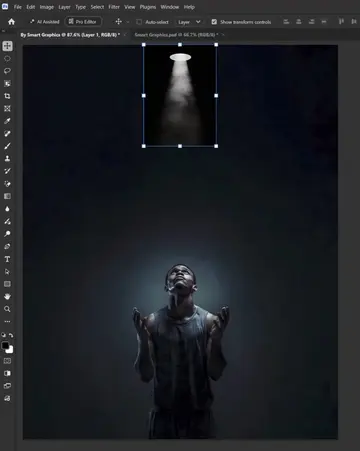
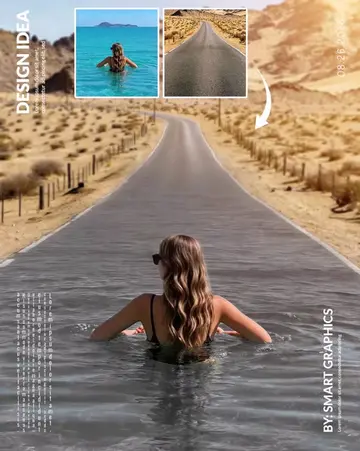
A tutorial video demonstrates how to create a torn-paper effect on a portrait using Adobe Photoshop. The creator uses various selection tools and keyboard shortcuts to manipulate layers and create a stylized graphic design.
Structure
- 1Initial image selection
- 2Applying layer masks
- 3Converting layers to black and white
- 4Finalizing the poster layout
Product placement
Original caption
Viral Poster Design Idea - Adobe Photoshop Tutorial
More from @smart.graphicss
More breakout videos from this creator.