Loading video…
Sound

original sound - smart.graphicss
Smart Graphics · Original audio
0:00–:––
Playing this video’s own audio, so you’ll hear the creator over the sound.
Hook
Posted Oct 21, 2026Video · 0:35by @smart.graphicss
The video provides high-value, satisfying visual transformation content that demonstrates the power of the software without needing a hard sell or voiceover.
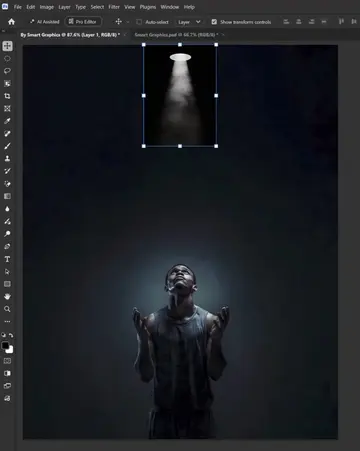
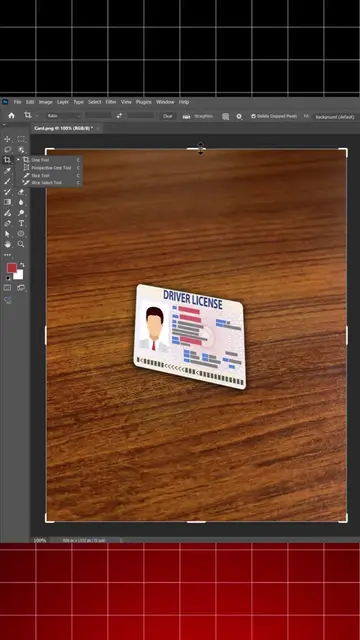
A screen recording demonstrates a step-by-step photo manipulation process using Adobe Photoshop to blend a desert road into a beach scene. The creator uses various tools like layer masks and hue/saturation adjustments to achieve the final composite image.
Photo Manipulation - Photoshop Step by Step Tutorial
Photo Manipulation - Photoshop Step by Step Tutorial
Importing images into Photoshop
Using layer masks to blend the desert road into the ocean
Adjusting hue and saturation to match colors
Final reveal of the composite image
Adobe Photoshop: (a) ACTS — the video demonstrates its interface, tools (brush, layer mask, hue/saturation), and image editing capabilities to create a composite photo manipulation. Removing it would change the entire video as it is the tool being demonstrated. Smart Graphics: (b) APPEARS — the creator's channel name and logo appear as a watermark and in the end card. Removing it would not change the video content.
Playing this video’s own audio, so you’ll hear the creator over the sound.
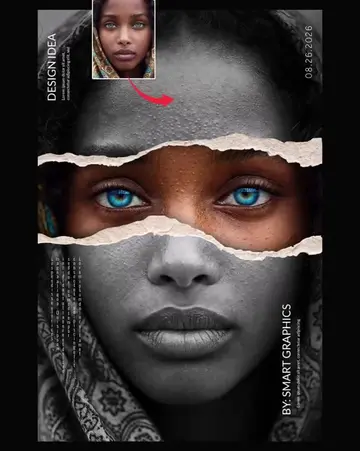
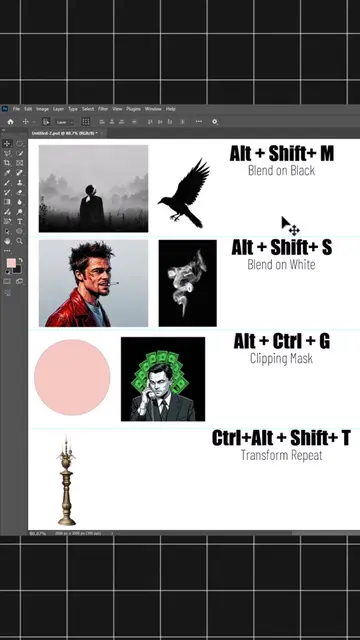
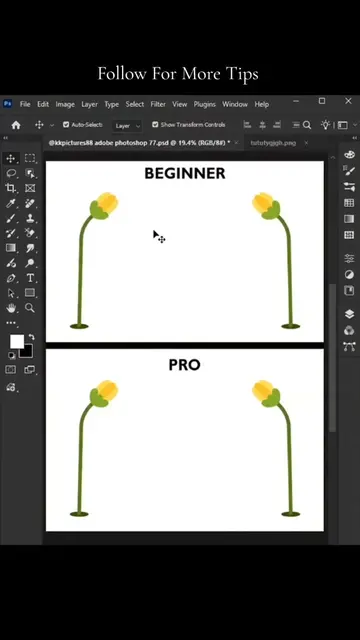
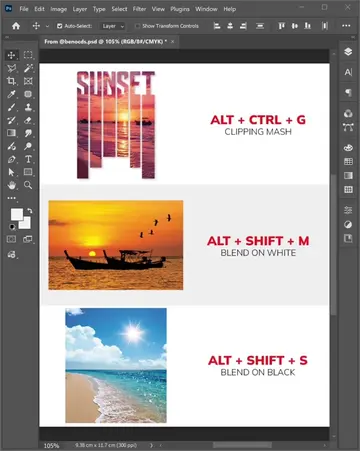
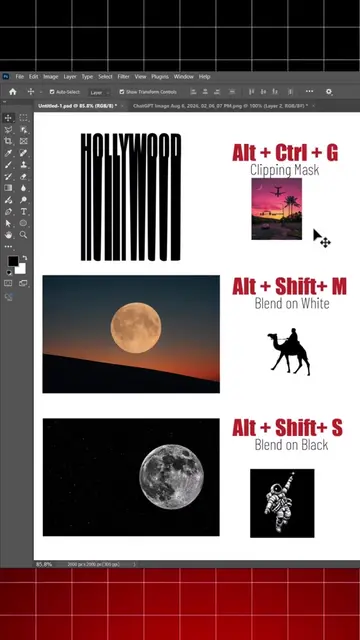
Adobe Photoshop is image editing software used to manipulate photos, create posters, and apply visual effects with tools like gridlines and shortcuts.
All time.
Promotes 1 product. Create free account to see more.
Outliers and viral hits: their videos on Overshot, all time.