Loading video…
All breakouts
633Talking HeadCuriosity Gap hookCreator Economy
Hook
You'll thank me later.
@davito_creatorgrowth
11.4K followers · usually 1.7K views a post
Views
1.1M
Likes
33.3K
Comments
145
Shares
331
Why it worked
The video provides actionable, low-friction advice on a specific platform feature that promises increased views, which is highly valuable to the creator's target audience of aspiring influencers.
Summary
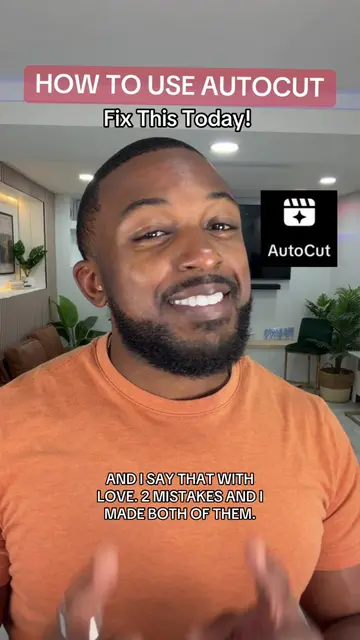
The creator provides a tutorial on how to use the 'One Clip' feature within the TikTok app to turn static photos into videos. He encourages viewers to experiment with different templates and photos to increase their engagement.
Structure
- 1Hook promising a useful tip
- 2Step-by-step tutorial on using the One Clip feature
- 3Instructions on selecting templates and photos
- 4Advice on using trending sounds
- 5Encouragement to keep testing and experimenting
Product placement
TikTok: (a) ACTS — the creator demonstrates the interface, the 'One Clip' feature, and the template selection process within the app to create a video. Removing this would change the entire video as it is a tutorial on using this specific platform feature.
Call to action
Follow me for more tips from experience.
On-screen text
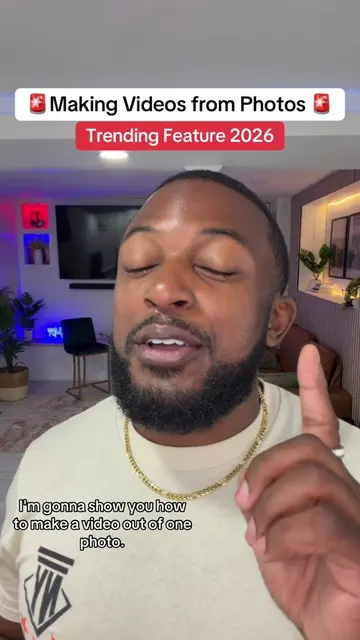
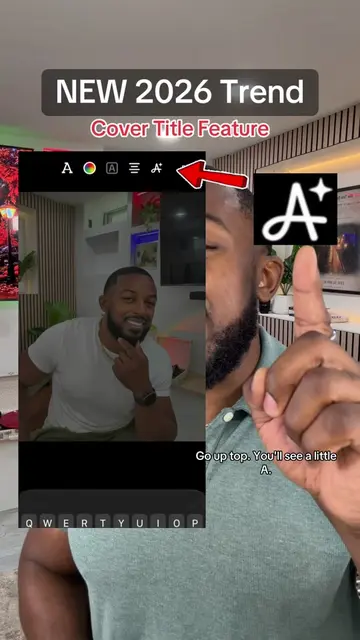
Making Videos From Photos
Trending Feature 2026
You'll thank me later.
You can turn a picture into a video.
This is trending, so more views in your pocket.
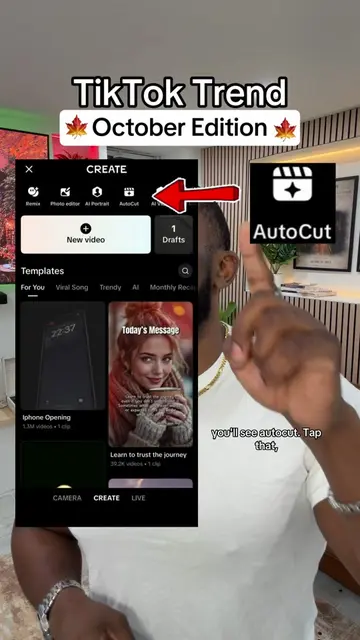
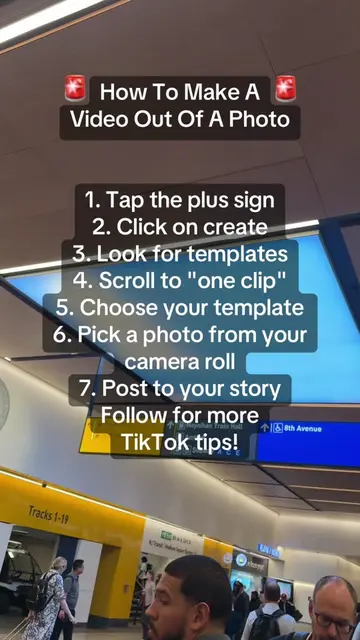
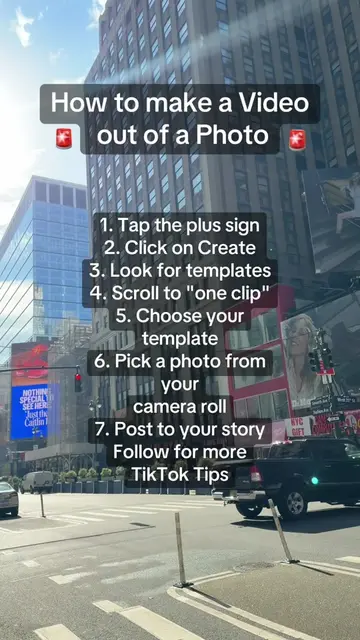
Try it. Tap the plus sign, then tap create. Look up top.
You're gonna scroll over till you see one clip.
Tap that, then TikTok's gonna give you some templates.
Pick one.
This is the most popular one.
Choose a picture from your camera roll that matches the vibe, then let TikTok do its thing.
When TikTok automatically gives you a sound, say thank you.
No Seriously, if you like it, keep it.
If you don't, then swap it for a trending sound.
Then post it to your stories and listen. If it doesn't take off the first time, don't give up.
Y'all give up way too easy.
Try a different picture, try a different template.
Keep testing out what works.
You can never lose. You can just learn.
It's more important to just keep experimenting with your content.
Follow me for more tips from experience.
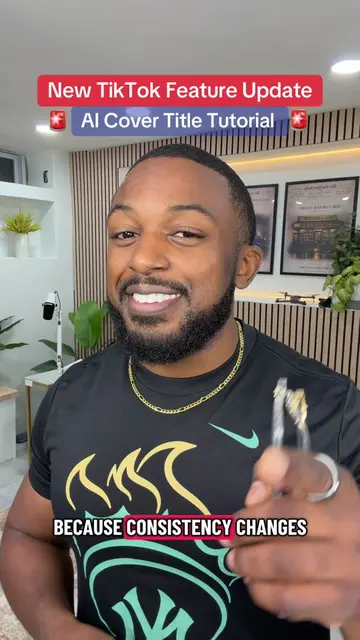
But go try it, because consistency changes everything.
Original caption
Making videos from photos! There’s a feature on TikTok called One Clip! save this tutorial and try it on your next video! #TikTokTips #TikTokTutorial #TikTokFeatures #creatorsearchinsights #oneclipeffect
More from @davito_creatorgrowth
More breakout videos from this creator.