Loading video…
All breakouts
33.0App DemoResult / Flex hookCreator Economy
Hook
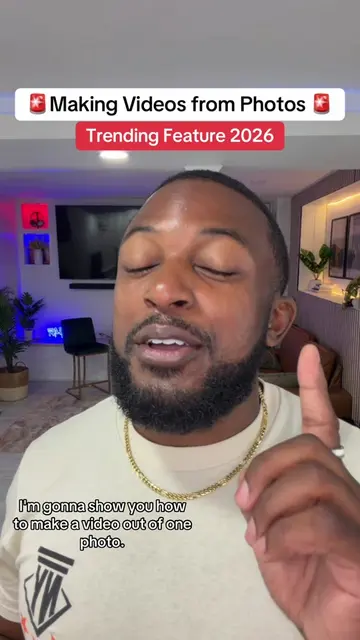
TikTok just turned one photo into an AI video.
@davito_creatorgrowth
42.2K followers · usually 88.6K views a post
Views
2.6M
Likes
73.8K
Comments
379
Shares
1.7K
Why it worked
The video provides immediate, actionable value by teaching viewers how to use a new, trending feature on the platform they are already using, which encourages high save rates.
Summary
The creator provides a step-by-step tutorial on how to use the built-in AI Video feature within the TikTok app. He demonstrates the process from selecting a photo to generating the video and adding the required AI content label.
Structure
- 1Introduction to the TikTok AI Video feature
- 2Step-by-step walkthrough of the creation process
- 3Tips on prompting and refining the output
- 4Advice on posting and using the AI content label
- 5Final call to action to save and try the feature
Product placement
TikTok: (a) ACTS — the creator demonstrates its built-in AI Video feature, showing the interface, the prompt input, and the generation process. Removing this would change the entire video as it is a tutorial on using this specific platform feature. TikTok is the substrate for the creator's growth coaching content, but the specific feature demonstrated is the subject of this tutorial.
Call to action
Save this video so you don't lose it, but go try it.
On-screen text
Let's Make An AI Video
TikTok JUST TURNED
ONE PHOTO INTO
AN A.I.
VIDEO AND HERE'S
HOW
TAP THE
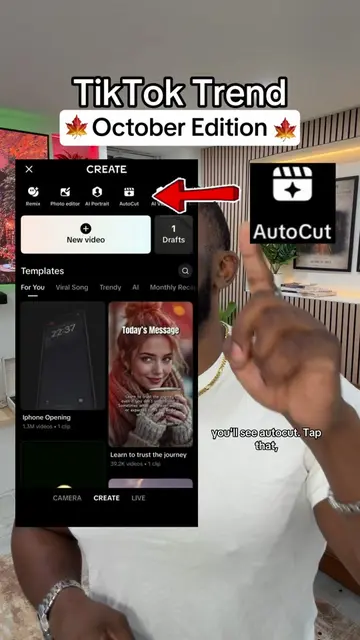
THEN TAP CREATE.
LOOK UP TOP,
YOU'LL SEE A
I. VIDEO.
TAP THAT, PICK
ONE CLEAR PHOTO.
HAS GOOD LIGHTING
THOUGH.
THEN TYPE WHAT
YOU WANT IT TO
DO.
WALKING IN THE
CITY AT NIGHT.
OR UM.
HAVING A PICNIC
IN THE SKY.
WHATEVER. WHATEVER YOU
COULD THINK OF.
THEN HIT GENERATE
AND GIVE IT
A COUPLE MINUTES.
THIS THING IS
WILD ALRIGHT.
THE COOL PART
IS THAT IF
YOU DON'T LIKE
IT, YOU CAN
CHANGE THE PROMPT
AND RUN IT
AGAIN.
THEN ADD A
TRENDING SOUND AND
TURN ON
AI GENERATED CONTENT
LABEL
THEN POST IT
TO YOUR FEED
IF IT FITS
YOUR NICHE.
BUT DEFINITELY ALWAYS
POST IT TO
YOUR STORIES.
SAVE THIS VIDEO
SO YOU DON'T
LOSE IT, BUT GO TRY
IT BECAUSE CONSISTENCY
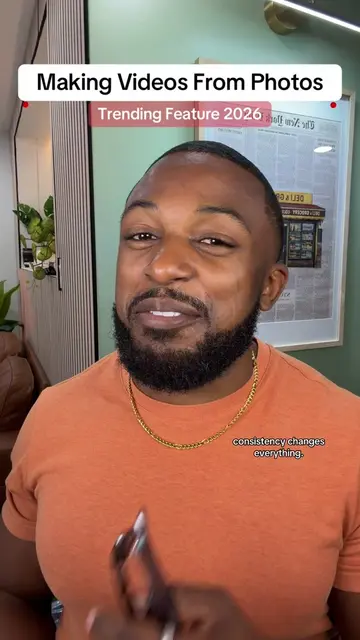
CHANGES EVERYTHING.
Original caption
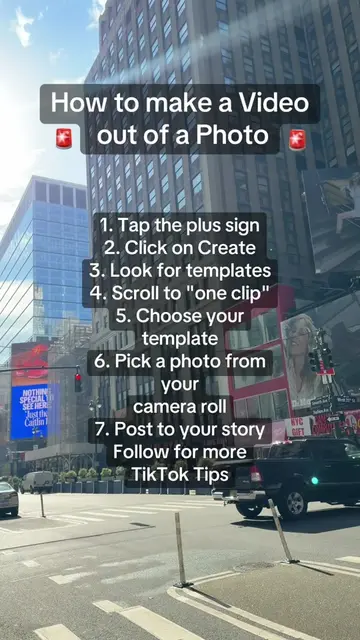
How to Make an Al video on TikTok. 1. Tap the plus sign 2. Tap create 3. Tap AI video 4. Upload one photo 5. Write in a prompt for the photo 6. Tap generate 7. Watch as TikTok takes your photo and turns it into an AI Video. Follow for more tips! #ai #TikTokTips #SmallCreator #howtogoviraltips #GoingViralOnTikTok
More from @davito_creatorgrowth
More breakout videos from this creator.