Loading video…
All breakouts 2 videos
~122App DemoOther hookLifestyle
Hook
A DELETED MESSAGE IS NOT A CONFESSION. BUT A PATTERN DESERVES A CONVERSATION.
@verity_investigation
48.0K followers · usually 1.1K views a post
Views
127.4K
Likes
1.6K
Comments
4
Shares
79
Promoted product
Verity Investigation
Private intelligence for serious decisions. Confidential verification and field investigations across Nigeria.
Why it worked
The video provides a high-utility, 'secret' privacy tip that appeals directly to the creator's target audience of people suspicious of their partners, establishing the creator as an expert in digital surveillance.
Summary
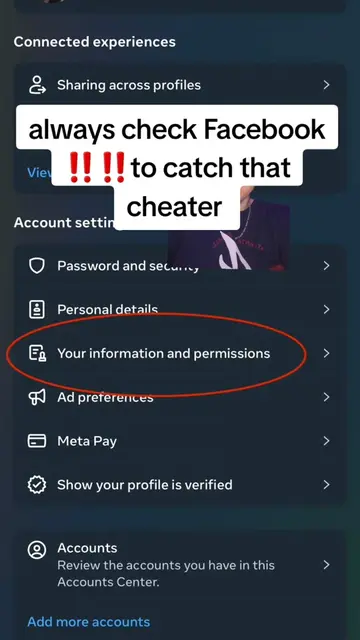
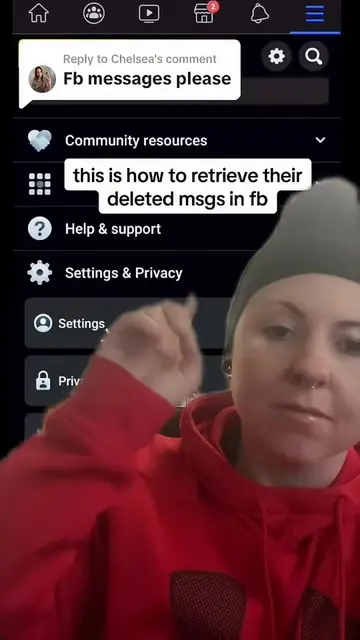
A private investigator demonstrates how to hide specific apps from the iOS search feature to prevent others from finding them on a phone. The video uses this technical tip to build authority for their relationship investigation services.
Structure
- 1Hook with a provocative statement about cheating
- 2Navigate to iOS Siri & Search settings
- 3Explain how to hide apps from search results
- 4Demonstrate the process using the Amazon app
Original caption
A DELETED MESSAGE IS NOT A CONFESSION. BUT A PATTERN DESERVES A CONVERSATION.” #whatsappspy #cheatingpartner #howtocatchacheater #whatsappmessages #howtospyonmyspousewhatsapp
More from @verity_investigation
More breakout videos from this creator.