Loading video…
Sound

original sound - pro.texn
Александр Ковалев · Original audio
0:00–:––
Playing this video’s own audio, so you’ll hear the creator over the sound.
Hook
Posted Oct 26, 2026Video · 1:22by @pro.texn
The video addresses a universal pain point (poor camera quality) with a free, accessible solution that promises to make an old phone perform like a new one.
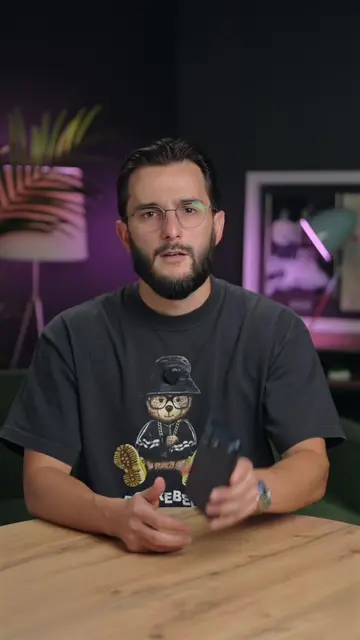
The creator demonstrates how to improve smartphone camera quality by uninstalling the default camera app and installing a specific version of Gcam found through a tutorial website.
Что делать если фото с вашей камеры стали ужасными🤯
Вот почему все фотографии, которые ты делаешь на свой телефон, получаются такими ужасными.
Identify the problem of poor photo quality
Instruct to delete the default camera app
Navigate to a tutorial website for instructions
Select smartphone brand and camera type
Configure camera settings and install Gcam Pro
Showcase improved photo quality
Droid Tutors (a) ACTS: the creator navigates to this website to find instructions on how to install a camera app. Removing it would change the video as it is the source of the tutorial. Gcam Pro (a) ACTS: the creator downloads and installs this app to improve camera quality. Removing it would change the video as it is the subject of the demonstration.
Playing this video’s own audio, so you’ll hear the creator over the sound.
Promotes 6 products. Create free account to see more.
Outliers and viral hits: their videos on Overshot, all time.
Camera app for Android users seeking additional camera features
All time.