Loading video…
Sound

It's A Picture Of Blair
Sustainedd
0:00–:––
- Videos using it
- 2
- Views on those videos
- 1.8M
The video uses a 'how-to' hook that addresses a common user desire for profile customization, making the app demonstration feel like a helpful utility rather than an advertisement.
The creator demonstrates how to create a custom banner for a TikTok profile using the CapCut app. The video shows the step-by-step process of selecting a template and applying it to a photo.
How to get a banner on tiktok Tik Tok Banner Tutorial banner tutorial ios banner tutorial tiktok tiktok cover photo tutorial banners tutorial banner photo tutorial how to make a banner #capcut #capcutpioneer #banner
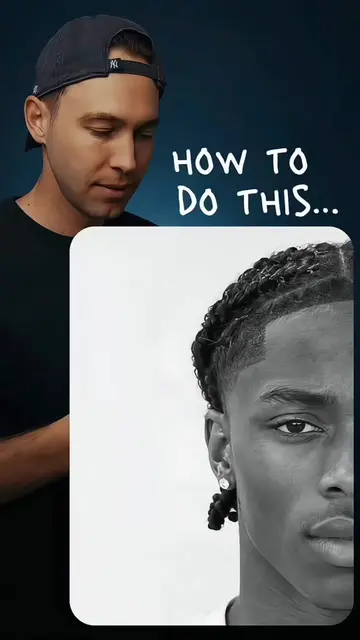
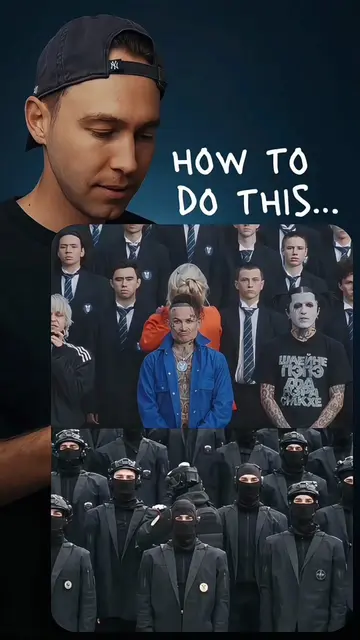
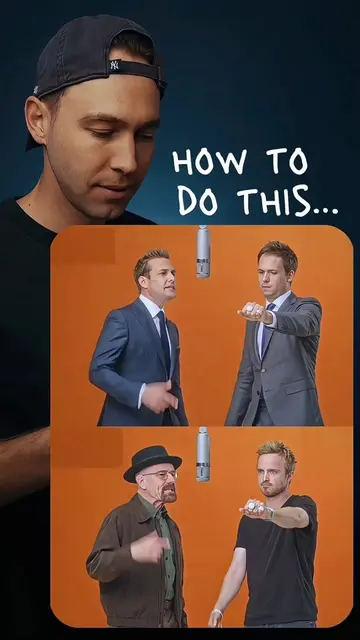
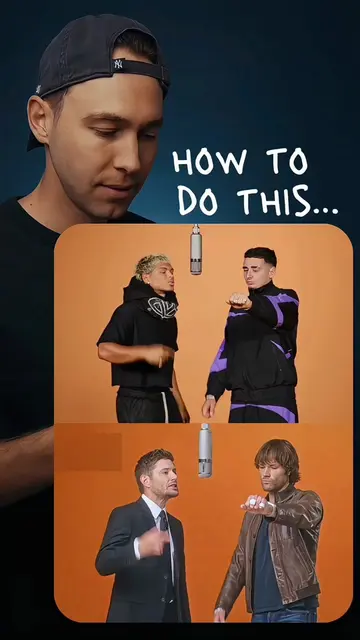
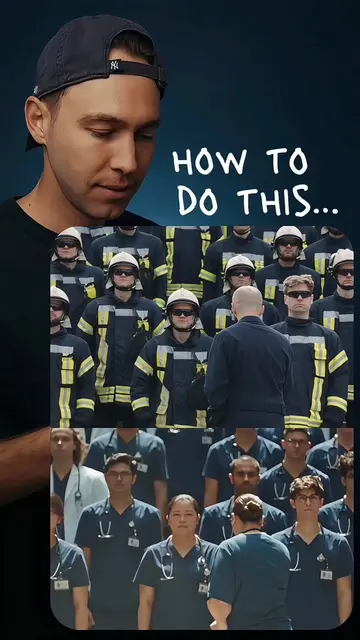
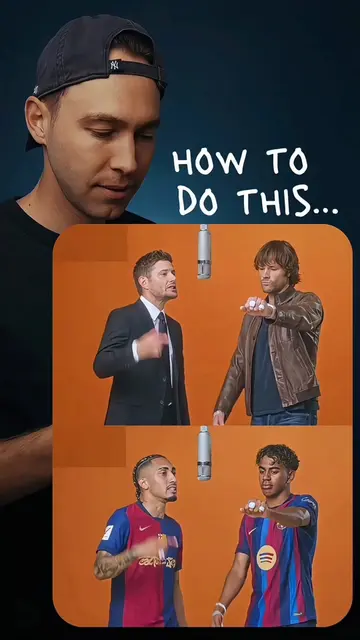
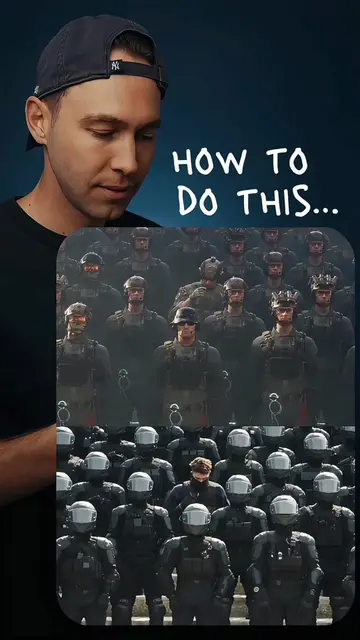
HOW TO DO THIS...
Creator teases the banner effect
Shows the TikTok profile interface
Demonstrates selecting a template in CapCut
Applies the template to a chosen photo
CapCut: (a) ACTS — the creator uses the app's interface to select a template and apply it to a photo, which is the primary action of the video. Removing it would make the tutorial impossible. TikTok: (b) APPEARS — the platform where the content is hosted and the banner is applied. Removing it would change the context but not the tutorial's core action.
Promotes 1 product. Create free account to see more.
Outliers and viral hits: their videos on Overshot, all time.
Video editing app for creators making social media videos
Views and creators: posted in the last 30 days (English videos). Videos: all time.