Loading video…
Sound

original sound - user2496103668295
Jane · Original audio
0:00–:––
Playing this video’s own audio, so you’ll hear the creator over the sound.
The video leverages a trending audio and cultural theme (Día de los Muertos) while providing a clear, low-friction tutorial on how to replicate a popular visual effect using a specific tool.
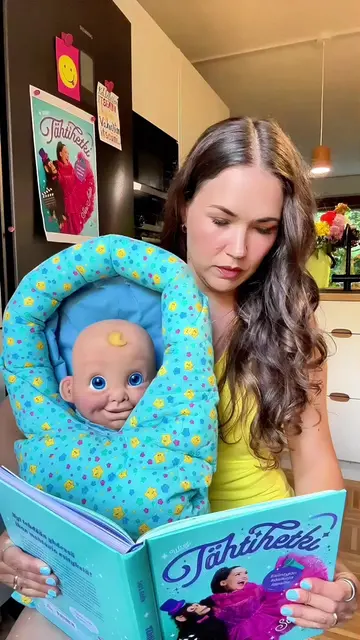
The video demonstrates how to use a CapCut template to create a viral 'Sasha La Catrina' effect using a baby's photo. It shows the step-by-step process of selecting a photo within the app to generate the video.
How to make this viral Sasha La Catrina baby trend super easy follow my steps Crea el viral efecto Sasha La Catrina para bebés con una foto usa el audio Adiós señora bonita Sasha La Catrina baby effect efecto Sasha La Catrina para bebés Adiós señora bonita audio baby catrina AI filter filtro IA catrina para bebés Day of the Dead Día de los Muertos baby photo to video foto de bebé a video #capcut #capcutpioneer #AdiosSashaLaCatrina #babycatrina #AdiosSenoraBonita
Adiós señora bonita
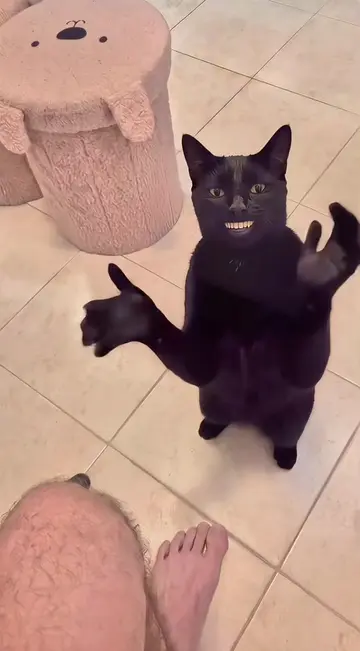
Baby waves to the camera
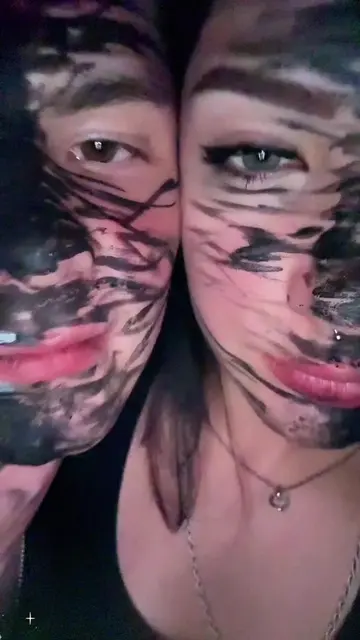
Transition to the AI-generated Catrina effect
Screen recording of the CapCut interface
Selecting a photo to apply the template
Final result of the effect
CapCut: (a) ACTS — the video demonstrates its interface for selecting photos and applying a template to create a video effect. Removing it would change the video as it is the tool being showcased. TikTok: (b) APPEARS — the video is hosted on and demonstrates the TikTok interface, but the focus is on the CapCut template. Removing it would not change the core demonstration of the template.
Use template in CapCut
Playing this video’s own audio, so you’ll hear the creator over the sound.
Video editing app for creators making social media videos
Views and creators: posted in the last 30 days (English videos). Videos: all time.
Promotes 3 products. Create free account to see more.
Outliers and viral hits: their videos on Overshot, all time.